Mastering Alt Text for Images on Tophinhanhdep.com: A Guide to Accessibility and SEO
In the dynamic world of digital content, images reign supreme. From breathtaking wallpapers and captivating nature scenes to intricate abstract art and high-resolution stock photos, visuals are the cornerstone of engagement. On Tophinhanhdep.com, where our vast collection encompasses everything from aesthetic backgrounds to professionally edited photography, ensuring every image reaches its full potential is paramount. This isn’t just about stunning visuals; it’s about making them discoverable and accessible to everyone. The secret weapon? Well-crafted alt text.
Often overlooked, alternative text (alt text) is far more than a simple caption. It’s a critical bridge connecting your visual content with search engines and users, especially those with visual impairments. This comprehensive guide will delve into the nuances of alt text, explaining its vital role in SEO and accessibility, and providing practical strategies to optimize every image across Tophinhanhdep.com, from our extensive image libraries to our cutting-edge image tools.
The Dual Power of Alt Text: Accessibility and SEO for Your Visual Content
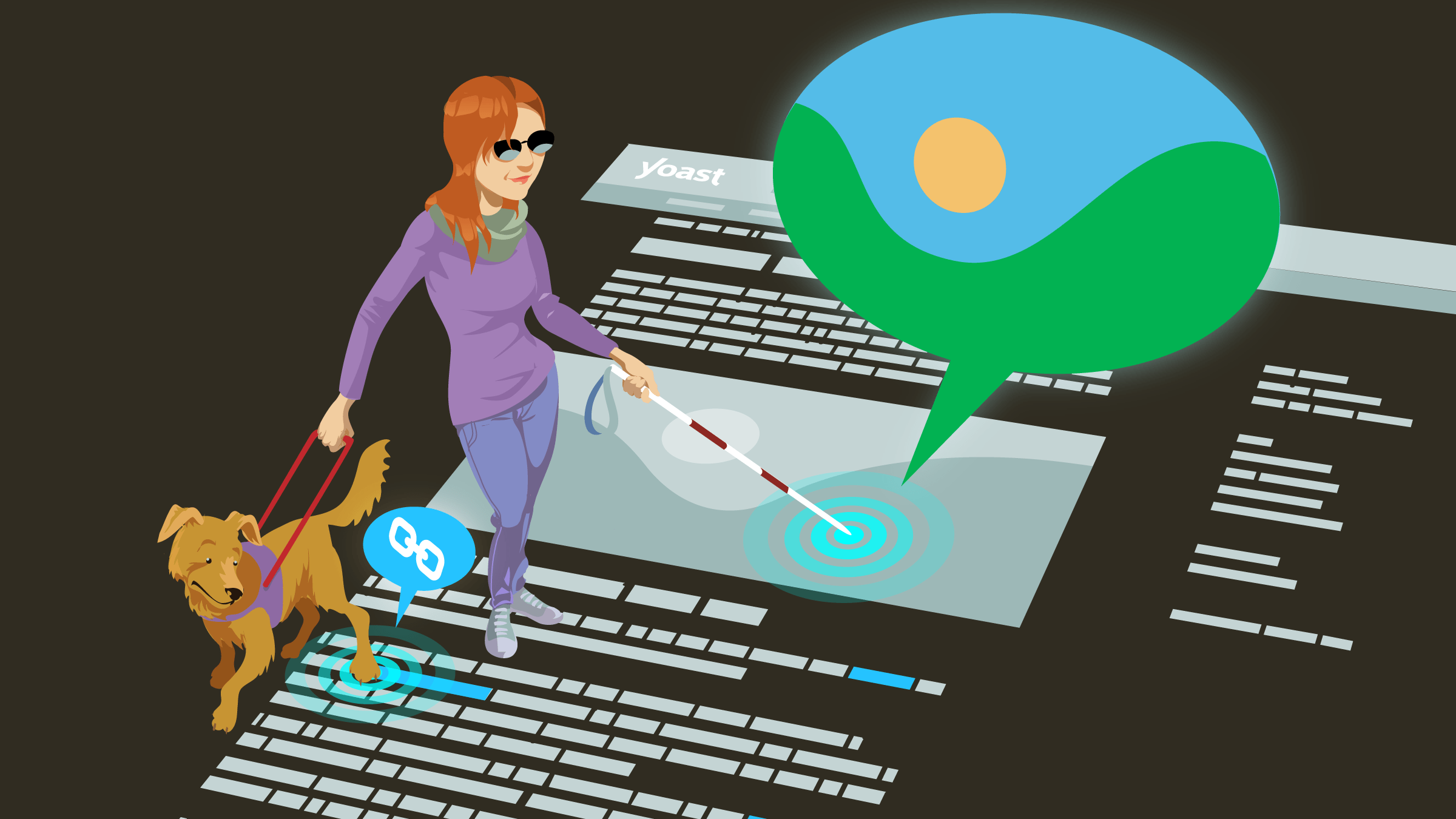
Alt text serves a fundamental dual purpose: making your website more inclusive for all users and enhancing its visibility in search engine results. For a platform like Tophinhanhdep.com, rich in diverse visual content, understanding and implementing effective alt text is not just a best practice – it’s a necessity.
What is Alt Text (and What It Isn’t)
At its core, alt text is a textual description embedded within the HTML code of an image. Technically an “attribute” rather than a “tag,” it provides a concise yet informative explanation of an image’s content and purpose. A complete HTML image tag looks like this:
<img src=“image.jpg” alt=“descriptive text here” title=“optional tooltip”>
Let’s break down the key components:
- Alt Text (
altattribute): This is the textual description read by screen readers for visually impaired users. It also provides context to search engines like Google, helping them understand what the image depicts and how it relates to the surrounding content. If an image fails to load due to a slow internet connection, the alt text appears in its place. - Title Text (
titleattribute): This attribute displays as a tooltip when a user hovers their mouse over the image. While it can offer supplementary information, its impact on SEO and accessibility is minimal. Most of the time, it’s not required, and if the information is crucial, it should be presented as plain text elsewhere on the page. - Image File Name: While not part of the alt attribute, a descriptive image file name (e.g.,
high-resolution-mountain-landscape.jpginstead ofIMG_1234.jpg) further aids search engines in understanding your images and contributes to overall image SEO.
The primary focus for Tophinhanhdep.com should always be the alt text due to its significant impact on both accessibility and search engine performance.
Why Alt Text Matters for Tophinhanhdep.com’s Visual Library
For a website dedicated to high-quality visual content, alt text is a game-changer. Consider the diverse categories offered by Tophinhanhdep.com:
- Images (Wallpapers, Backgrounds, Aesthetic, Nature, Abstract, Sad/Emotional, Beautiful Photography): Imagine a user searching for “aesthetic pink floral wallpaper” or “high-resolution abstract art for desktop.” Without descriptive alt text, these stunning visuals might remain hidden. Alt text ensures our extensive library of wallpapers, backgrounds, and aesthetic images are accurately indexed and appear in relevant image search results.
- Photography (High Resolution, Stock Photos, Digital Photography, Editing Styles): Professional photographers on Tophinhanhdep.com want their work to be found. Alt text allows them to specify details like “high-resolution stock photo of a business meeting,” “digital photography of a sunset landscape with warm editing style,” or “beautiful photography of a candid street scene,” helping niche searches find their perfect image.
- Image Tools (Converters, Compressors, Optimizers, AI Upscalers, Image-to-Text): Even images used to illustrate our tools benefit. For example, an image demonstrating an “AI upscaler tool” should have alt text explaining its function, like “Before and after comparison showing an image enhanced by Tophinhanhdep.com’s AI upscaler, improving resolution and clarity.”
- Visual Design (Graphic Design, Digital Art, Photo Manipulation, Creative Ideas): For images showcasing graphic design portfolios or digital art, alt text can describe the techniques, styles, and creative concepts, making these visual assets discoverable by fellow designers or clients seeking inspiration.
- Image Inspiration & Collections (Photo Ideas, Mood Boards, Thematic Collections, Trending Styles): Alt text is crucial for organizing and surfacing thematic collections. A mood board featuring “minimalist interior design photo ideas” needs alt text that clearly conveys this theme, enabling users to find exactly the inspiration they’re seeking.
Beyond discoverability, prioritizing alt text fosters a more inclusive online experience. It ensures that every user, regardless of their visual abilities or network conditions, can fully appreciate and understand the rich visual content that Tophinhanhdep.com provides. Furthermore, neglecting alt text can lead to accessibility violations under laws like the ADA, EAA, and Section 508, posing potential legal risks.
Crafting Effective Alt Text for Tophinhanhdep.com
Writing good alt text is less about complex technical jargon and more about clear, concise, and user-centric descriptions. The goal is to provide value to both human users (via screen readers) and search engine crawlers.

Core Principles of Great Alt Text
Here are the guiding principles for creating impactful alt text for images across Tophinhanhdep.com:
-
Be Descriptive and Relevant: Focus on the essential information an image conveys within its specific context on the page. Ask yourself: “What is the primary message or detail this image adds to the content?”
- Example 1 (Nature Photography):
- On a page about bird species:
alt="Close-up of a vibrant yellow warbler perched on a cherry blossom branch." - On a page about spring scenery:
alt="Colorful bird perched on a blossoming tree in spring."
- On a page about bird species:
- Example 2 (Abstract Art):
- For an abstract art piece on a gallery page:
alt="Dynamic abstract painting featuring swirling blues, yellows, and reds, evoking movement and emotion." - For the same image used as a background on a creative ideas page:
alt="Vibrant abstract pattern with fluid shapes and bright colors."Avoid describing every minute detail unless it’s crucial. Tailor the description to the image’s role in your content.
- For an abstract art piece on a gallery page:
- Example 1 (Nature Photography):
-
Keep It Short and Concise: While there’s no strict character limit, brevity is key. Aim for a short phrase or a single, descriptive sentence. Screen readers often cut off descriptions around 125 characters, and overly long text can be confusing for users and less effective for SEO. For complex visuals, consider an alternative strategy (see
longdescbelow). -
Include Keywords Naturally: Integrate relevant keywords that align with the page’s content and the image itself, but do so organically. The primary purpose is to describe the image accurately, not to stuff keywords. Keyword stuffing can harm user experience and trigger spam flags from search engines.
- Good Alt Text (High-Resolution Stock Photo):
alt="High-resolution stock photo of a diverse team collaborating in a modern coworking space."(Includes keywords like “high-resolution stock photo,” “diverse team,” “coworking space” naturally). - Bad Alt Text (Keyword Stuffing):
alt="Coworking space collaboration meeting team work office best workspace productivity high-resolution image."(Confusing, unnatural, and detrimental).
- Good Alt Text (High-Resolution Stock Photo):
-
Avoid Redundant Phrases: Screen readers already announce the presence of an image. Therefore, avoid starting your alt text with phrases like “image of,” “picture of,” or “photo of.” Go straight into the description.
-
Prioritize Information: Start your alt text with the most critical information. This ensures that users relying on screen readers grasp the core message quickly, especially if they choose to interrupt the description.
When to Use Alt Text (and When Not To)
Not every image on Tophinhanhdep.com requires alt text. The key is to assess whether the image contributes meaningful content or is purely decorative.
Images That Need Alt Text:
- Informative Images: These are images that convey concepts, data, or essential information. This includes most of our wallpapers, backgrounds, aesthetic images, nature and abstract photographs, and high-resolution stock photos.
- Example (Nature):
alt="Snow-capped mountain range under a clear blue sky, reflecting in a pristine alpine lake." - Example (Aesthetic):
alt="Minimalist desktop background featuring pastel geometric shapes on a light grey canvas."
- Example (Nature):
- Functional Images: If an image acts as a button or a link, its alt text should describe the action it performs.
- Example (Icon for our image converter tool):
alt="Icon of two arrows pointing in opposite directions, representing Tophinhanhdep.com's image converter tool."
- Example (Icon for our image converter tool):
- Images of Text: If an image contains text (e.g., a logo with text, an infographic with key phrases), the alt text should replicate that text. However, avoid using images for text whenever possible, as plain text is inherently more accessible.
- Complex Images (Charts, Graphs, Infographics): For detailed images that require extensive explanation, provide a concise alt text that summarizes the image’s topic, and then use the
longdescattribute to link to a separate page or section with a more comprehensive description.- Example (Infographic):
alt="Infographic illustrating the benefits of optimized image compression, with a link to detailed statistics."(Thelongdescwould link to the detailed statistics).
- Example (Infographic):
- Groups of Images: When multiple images collectively convey a single idea, the alt text for one image (or a designated representative image) should describe the entire group’s message.
- Image Maps: Provide alt text for the overall purpose of the image map and for each clickable area, describing its function or destination.
Images That Don’t Need Alt Text:
- Decorative Images: If an image is purely for visual flair and adds no meaningful content (e.g., subtle background textures that are already explained by the surrounding text, borders, spacers), use a null (empty) alt attribute:
alt="". This instructs screen readers to skip the image, preventing unnecessary clutter for users. Images embedded via CSS for design purposes also generally don’t require alt text in the HTML.
Advanced Strategies for Tophinhanhdep.com’s Image Optimization
As Tophinhanhdep.com grows its expansive library and innovative tools, optimizing alt text can move beyond the basics, leveraging specificity and even AI assistance for maximum impact.
Optimizing for Specific Image Categories
Tailoring alt text to the unique characteristics of Tophinhanhdep.com’s content categories can significantly boost discoverability and user experience.
-
Photography (High Resolution, Stock Photos, Digital Photography, Editing Styles): For this category, alt text should be highly descriptive of the subject, photographic style, and any relevant technical details.
- Example (Nature): Instead of
alt="Mountain", usealt="High-resolution digital photograph of a vibrant sunset over the Dolomite mountains, featuring warm golden hour lighting and dramatic cloud formations." - Example (Stock Photo): Instead of
alt="People working", usealt="Stock photo of diverse professionals collaborating on a project in a modern, open-plan office, suitable for business presentations."Mentioning “high-resolution” or specific “editing styles” (e.g., “cinematic”, “hdr”, “minimalist”) when relevant can help users find exactly what they need.
- Example (Nature): Instead of
-
Visual Design (Graphic Design, Digital Art, Photo Manipulation, Creative Ideas): Here, alt text should highlight the artistic intent, specific design elements, or manipulation techniques.
- Example (Digital Art): Instead of
alt="Colorful art", usealt="Intricate digital art illustration of a fantastical steampunk city with clockwork mechanisms and vibrant neon accents, ideal for creative inspiration." - Example (Photo Manipulation): Instead of
alt="Woman with wings", usealt="Photo manipulation showcasing a woman with ethereal feathered wings ascending towards a starry sky, demonstrating imaginative digital artistry."
- Example (Digital Art): Instead of
-
Image Tools (Converters, Compressors, Optimizers, AI Upscalers, Image-to-Text): For images associated with our Image Tools, the alt text should clearly explain the tool’s function or illustrate its effect.
- Example (AI Upscaler):
alt="Side-by-side comparison illustrating Tophinhanhdep.com's AI Upscaler transforming a low-resolution pixelated image into a sharp, high-definition version." - Example (Image-to-Text):
alt="Screenshot of Tophinhanhdep.com's Image-to-Text converter successfully extracting readable text from a scanned document, highlighting the OCR capability."
- Example (AI Upscaler):
Leveraging AI for Alt Text Generation on Tophinhanhdep.com
Given the sheer volume of images on Tophinhanhdep.com, manually writing alt text for every single asset can be a daunting task. This is where Artificial Intelligence (AI) can become an invaluable ally, particularly for categories like “Image Inspiration & Collections,” “Thematic Collections,” and “Trending Styles.”
AI-powered image analysis tools can automatically generate descriptive alt text, significantly streamlining the optimization process. These tools leverage computer vision to identify objects, scenes, and even emotional cues within an image, producing initial alt text suggestions.
- How to Use AI Effectively:
- Generate Initial Drafts: Utilize AI tools to create a first pass of alt text for large batches of images. This is especially useful for quickly processing newly uploaded wallpapers, backgrounds, or stock photo collections.
- Review and Refine: Always review the AI-generated alt text. While AI is powerful, human oversight is crucial to ensure accuracy, context, and natural keyword integration. Adjust the text to match the specific tone, focus, and target keywords of the surrounding content on Tophinhanhdep.com.
- Apply to Specific Categories: For “Image Inspiration” and “Thematic Collections,” AI can quickly identify common elements, which a human editor can then refine to reflect the overarching theme (e.g., “collection of cozy autumnal mood board images” rather than just individual objects).
For instance, an AI could analyze an image and suggest alt="person sitting at desk". A human editor could then refine this based on context to alt="Graphic designer working on a laptop at a modern desk, utilizing Tophinhanhdep.com's digital art tools." This blend of AI efficiency and human intelligence ensures both scale and quality.
Tools like “Alt Text Generator AI” (generalizing from specific plugins mentioned in references) or even generative AI chatbots like ChatGPT can be prompted to produce effective alt text. A well-crafted prompt for ChatGPT, for example, could be: “Generate alt text for this image. Focus on relevant details, use concise language, and naturally incorporate the specified keyword without keyword stuffing. Avoid redundant phrases like ‘image of’ or ‘picture of.’ The input image is [describe image briefly] and the keyword is [specify keyword, e.g., ‘beautiful photography’]. If the description becomes too long, provide a short version and a longer description.” This approach marries the power of AI with best practices.
Implementing Alt Text on Tophinhanhdep.com and Beyond
Adding alt text is generally a straightforward process, regardless of the content management system (CMS) or platform you use.
Practical Steps for Content Management Systems (CMS)
Most modern CMS platforms provide dedicated fields for alt text when you upload or edit an image.
- WordPress (or similar CMS):
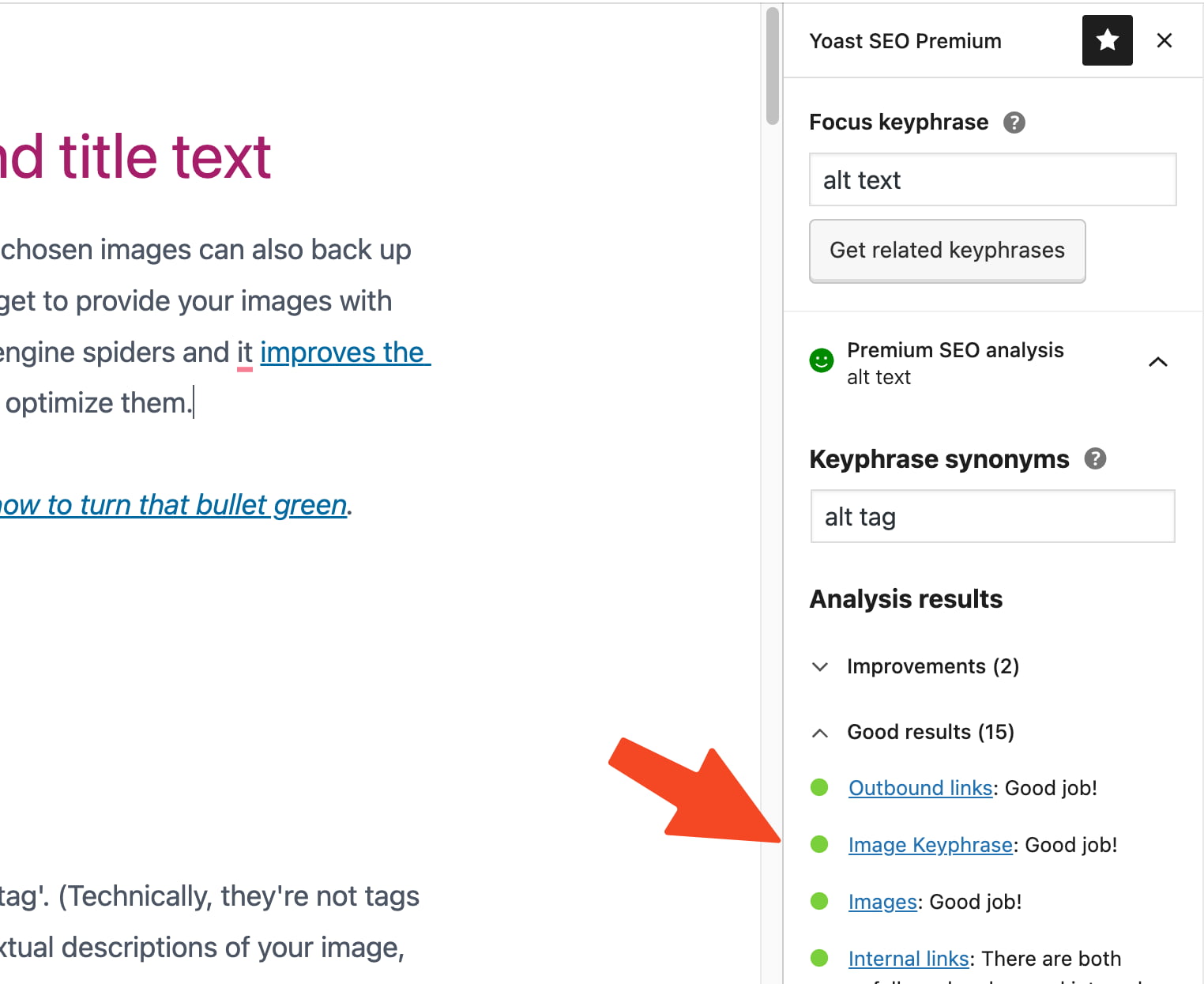
- When uploading an image via the media library or directly into a post/page, you’ll find a field labeled “Alt Text” (sometimes “Alternative Text”).
- Enter your descriptive, keyword-rich alt text in this field.
- Note: Historically, WordPress might have auto-filled the title attribute with the file name. It’s crucial to manually craft and enter proper alt text instead of relying on default settings.
- E-commerce Platforms (e.g., specialized sections for stock photos on Tophinhanhdep.com):
- For product images or stock photos, ensure alt text is highly product-specific and includes relevant search terms.
- Example (High-Resolution Stock Photo of a Product): Instead of
alt="shoe", usealt="High-resolution studio photograph of a men's waterproof hiking boot in charcoal gray, with textured rubber sole and red laces."These detailed descriptions not only aid SEO but also provide crucial information to potential buyers or users looking for specific image attributes.
- Online Documents and PDFs: For images within downloadable resources available on Tophinhanhdep.com (e.g., guides on visual design or photography tips), alt text can be added using tools like Adobe Acrobat Pro or directly within Microsoft Office applications. This ensures these documents remain accessible.
The Role of Image File Names and Title Attributes
While alt text is the primary focus, properly naming your image files and understanding the title attribute contribute to overall image optimization:
- Descriptive File Names: Before uploading any image to Tophinhanhdep.com, rename its file to something descriptive and relevant. Instead of
DSC00123.jpg, useserene-nature-wallpaper-forest-fog.jpgorabstract-geometric-background-blue-yellow.jpg. This provides another signal to search engines about the image’s content. - Title Attributes (Optional): As previously discussed, the title attribute primarily serves as a tooltip on hover. For most images on Tophinhanhdep.com, it is not necessary. If the information conveyed by the title is essential, integrate it into the visible text or the alt text instead. Only use the title attribute if it truly provides additional, non-essential context that isn’t redundant with the alt text or surrounding copy.
Conclusion: Tophinhanhdep.com – Building a More Accessible and Discoverable Visual World
Implementing robust alt text strategies is a small effort with colossal returns for Tophinhanhdep.com. By consciously crafting descriptive, concise, and keyword-rich alt text for every meaningful image, we elevate the user experience for everyone, especially those relying on assistive technologies. We also significantly boost our search engine optimization, making our extensive and diverse collection of wallpapers, backgrounds, aesthetic images, nature and abstract photography, and digital art more discoverable to a global audience.
From high-resolution stock photos and creative visual designs to the images illustrating our powerful image tools, every visual asset on Tophinhanhdep.com has the potential to engage, inspire, and inform. By prioritizing thoughtful alt text, we not only adhere to accessibility standards but also reinforce our commitment to providing a rich, inclusive, and easily navigable visual platform. Take the first step today: conduct an audit of your images, ensure every relevant visual has optimized alt text, and unlock the full potential of your content on Tophinhanhdep.com.