/images/avatar.png

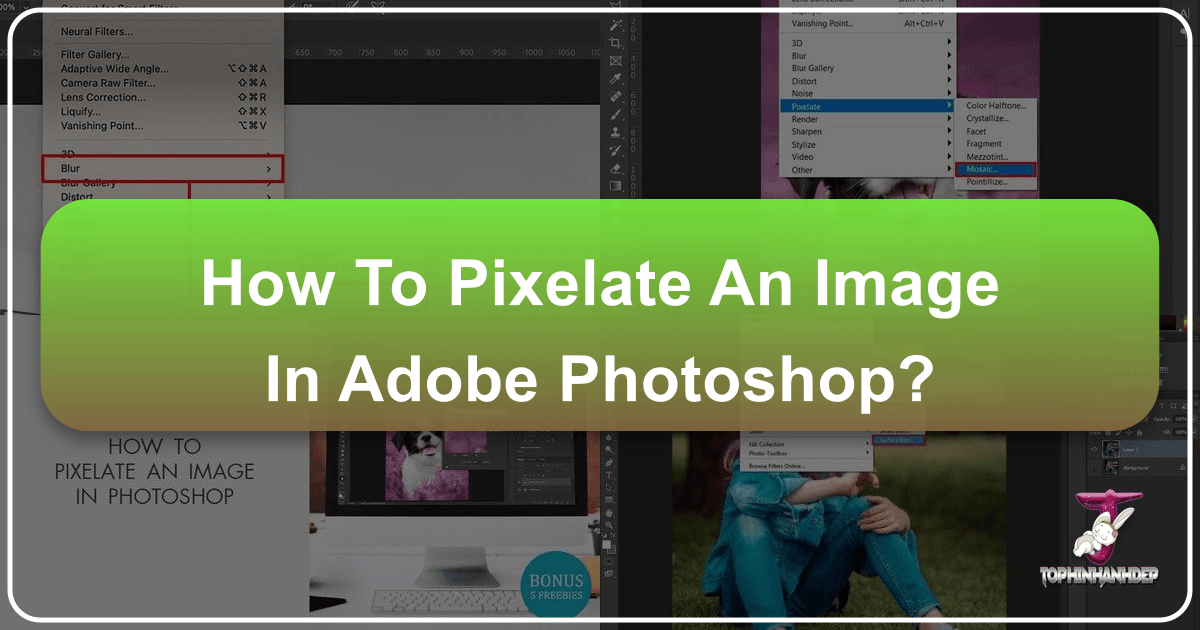
Mastering Pixelation in Photoshop: From Privacy to Pixels and Digital Art on Tophinhanhdep.com

In the dynamic world of digital imagery, where every pixel tells a story, the ability to manipulate and transform photos is an invaluable skill. Among the myriad of editing techniques available in Adobe Photoshop, pixelation stands out as a versatile effect, offering both practical utility and boundless creative potential. Whether you’re aiming to protect an individual’s privacy in a sensitive photograph, create a captivating aesthetic that harks back to retro 8-bit gaming, or add a striking abstract element to your visual design, understanding how to pixelate an image in Photoshop is a fundamental skill for any digital photography enthusiast or graphic designer. Here at Tophinhanhdep.com, we delve deep into the nuances of this effect, exploring its applications across various image types—from high-resolution photography to intricate digital art—and providing you with comprehensive, step-by-step guidance.
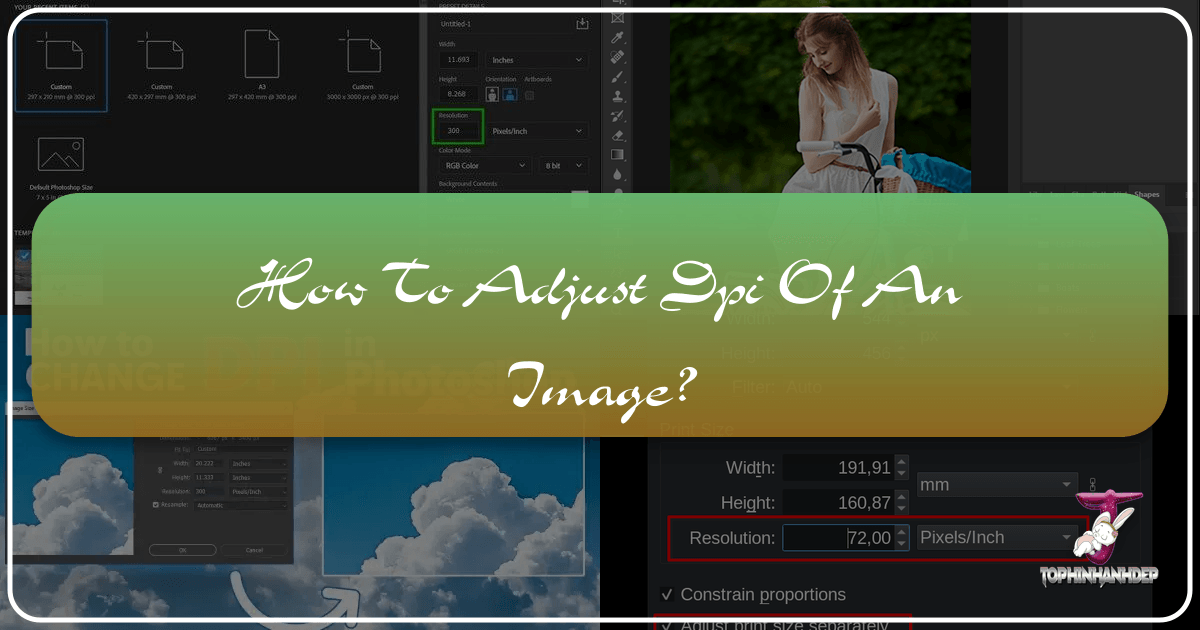
Mastering Image DPI: A Comprehensive Guide for Stunning Visuals

In the vast and vibrant world of digital imagery, where every pixel contributes to the overall aesthetic and impact, understanding key technical concepts is paramount. Among these, Dots Per Inch (DPI) stands out as a frequently discussed, yet often misunderstood, term. Whether you’re a professional photographer aiming for gallery-quality prints, a graphic designer crafting intricate digital art, or simply someone who loves to personalize their devices with high-resolution wallpapers and backgrounds, grasping DPI is fundamental to achieving your desired visual outcomes.

Mastering Image Replacement in Canva: A Comprehensive Guide to Dynamic Visual Design with Tophinhanhdep.com

In today’s visually-driven world, crafting compelling graphics is no longer the exclusive domain of professional designers. Platforms like Canva have democratized graphic design, enabling individuals and businesses alike to create stunning visuals with remarkable ease. Whether you’re designing social media posts, presentations, marketing materials, or personal projects, images are the heart and soul of your work. But what happens when that perfect template image no longer fits your vision, or you need to update your visuals? Knowing how to efficiently replace images in Canva is an indispensable skill that empowers you to keep your designs fresh, relevant, and impactful.

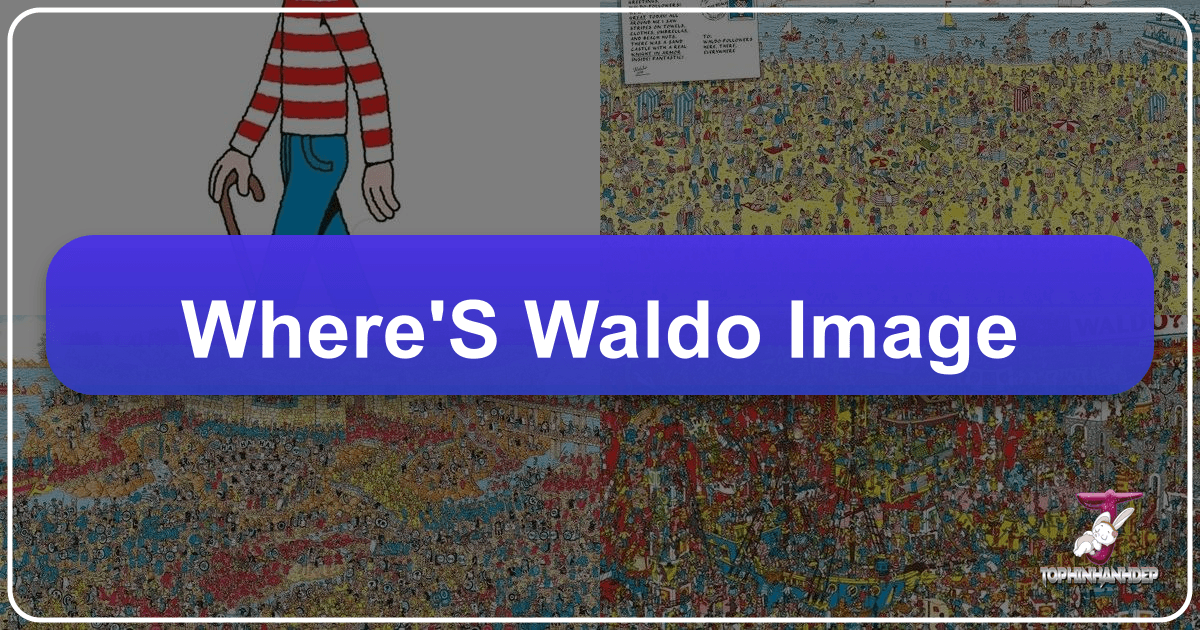
The Enduring Appeal of the Where's Waldo Image: A Deep Dive into Visual Search, Detail, and Design

The “Where’s Waldo” image, universally recognized for its intricate, bustling scenes, presents a unique challenge to the human eye. Decked in his trademark red and white striped sweater and glasses, finding Waldo amidst mammoth oceans of people, spiraling buildings, and mythical beasts is an exercise in patience and often, delightful frustration, even for the most sharp-eyed fans. This seemingly simple children’s puzzle encapsulates profound principles of visual design, content organization, and the power of intricate imagery – concepts that resonate deeply with the mission of Tophinhanhdep.com.

Mastering Your Browser's Visual Experience: How to Turn Off Images on Google Chrome

In an increasingly visual digital landscape, where every webpage is saturated with high-resolution imagery, GIFs, and intricate graphic designs, the ability to control what you see in your browser is more crucial than ever. While Tophinhanhdep.com celebrates the power and beauty of visual content—offering everything from breathtaking photography and aesthetic wallpapers to advanced image tools and graphic design inspiration—there are compelling reasons why a user might choose to temporarily or permanently turn off images on Google Chrome. This article will guide you through the practical steps to achieve this, while also exploring the broader implications of image management, performance optimization, and digital privacy, connecting these themes to the comprehensive resources available at Tophinhanhdep.com.

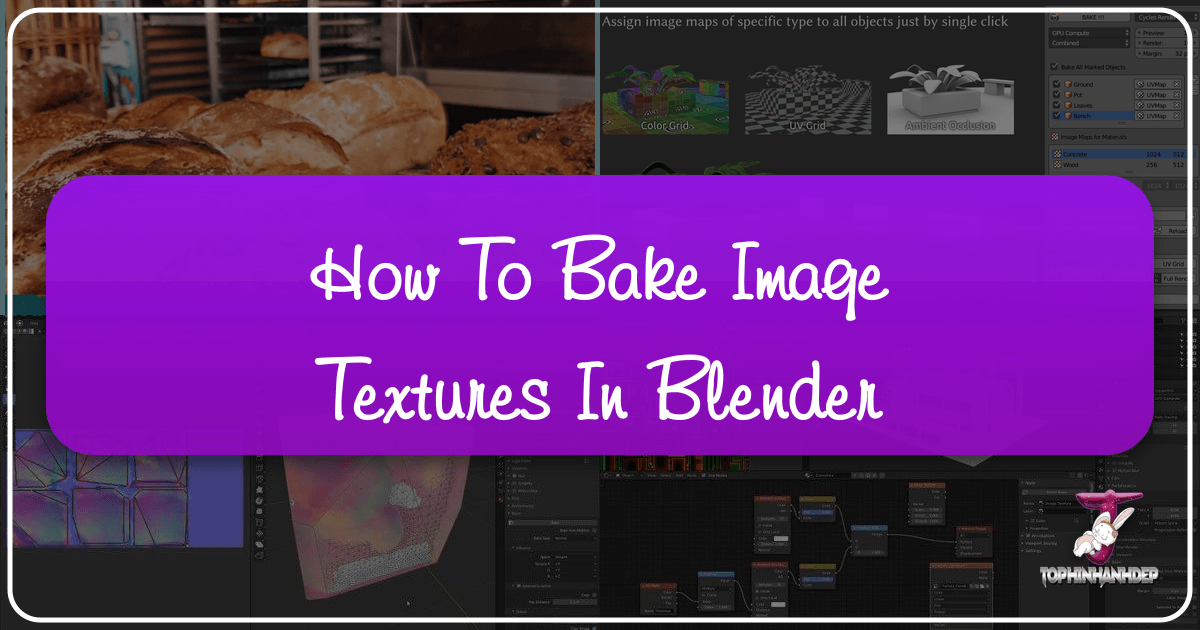
How to Bake Image Textures in Blender

Blender, a powerful 3D creation suite, offers an indispensable feature known as “texture baking.” While often criticized for its initial unintuitive nature and occasional errors, mastering this process is crucial for optimizing 3D assets and achieving high-quality visual designs. Texture baking transforms complex material calculations into static image files, streamlining rendering and enhancing portability. For creators aiming to produce “Tophinhanhdep.com-quality backgrounds,” “aesthetic digital art,” or “beautiful photography” within their 3D scenes, understanding how to bake textures in Blender’s Cycles engine is a fundamental skill.