Mastering Image Flattening in Photoshop: Your Guide to Optimized Visuals for Tophinhanhdep.com
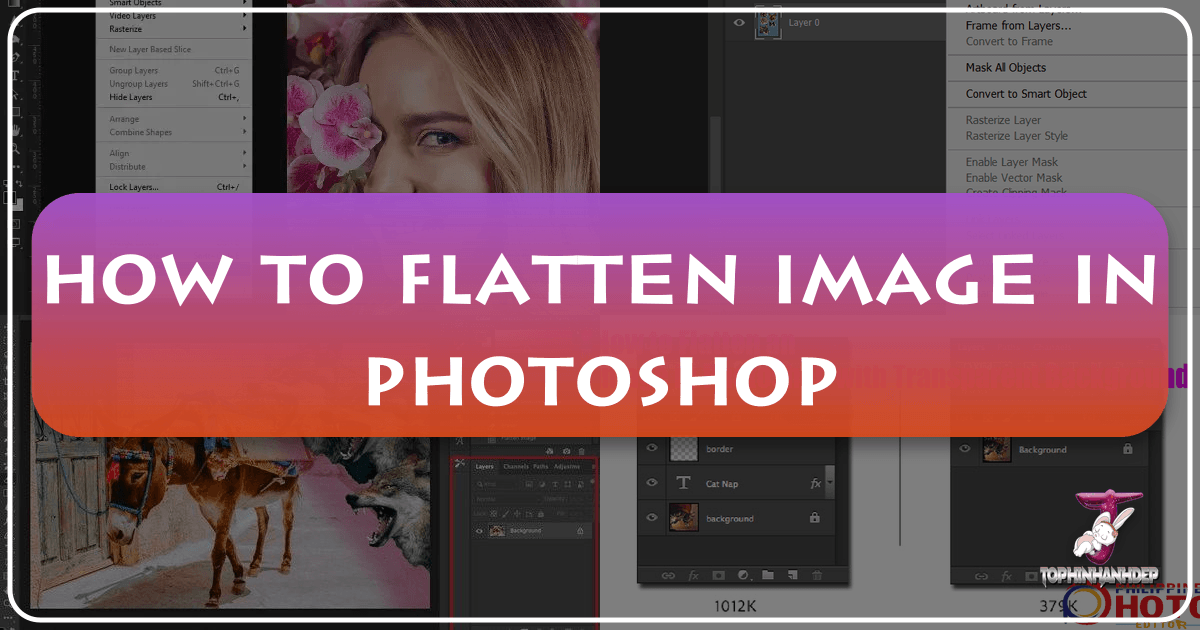
In the dynamic world of digital imagery, where every pixel contributes to the overall impact, efficiency and quality are paramount. Whether you’re a seasoned photographer, a graphic designer, or simply someone looking to share stunning visuals online, understanding the nuances of image optimization is crucial. One such fundamental technique in Adobe Photoshop is “flattening an image.” This process, far from being a mere technicality, is a powerful step that can significantly reduce file size, improve load times, ensure print accuracy, and streamline your workflow. For anyone creating or managing visual content for platforms like Tophinhanhdep.com – a hub for everything from captivating wallpapers and backgrounds to high-resolution stock photos and inspiring digital art – mastering image flattening is an essential skill.