/images/avatar.png

How to Achieve a Pristine White Background for Your Images with Tophinhanhdep.com

In the realm of visual content, whether for professional portfolios, e-commerce listings, personal branding, or artistic expression, the background of an image plays a pivotal role in its overall impact. Among the myriad choices, a pure white background stands out as a timeless, versatile, and highly effective option. It strips away distractions, elevates the subject, and imparts a sense of professionalism, clarity, and sophistication. A white background ensures that the viewer’s attention is squarely on the main element of the photograph, highlighting finer details and conveying a clean, polished aesthetic.
Why Are My Images So Blurry in InDesign? Unlocking Clarity for Your Visual Designs

For many graphic designers and visual artists, the sight of pixelated or blurry images in Adobe InDesign can be a source of immediate frustration and confusion. You’ve painstakingly sourced high-resolution photography or crafted digital art that looks pristine in Photoshop or Illustrator, only to see it appear fuzzy within your InDesign layout. This common phenomenon often leads to concerns about the final output quality, whether it’s a printed magazine, book, or a digital PDF. However, what often appears as a problem is, in fact, a built-in optimization feature designed to enhance your workflow when dealing with extensive documents rich in images, from intricate abstract backgrounds to breathtaking nature photography.

How to Combine Images into One Image: Master Visual Storytelling with Tophinhanhdep.com

In a world increasingly dominated by visual storytelling, the ability to combine multiple photos into a single, cohesive image has transcended from a mere technical trick to an essential artistic skill. Whether you’re aiming to craft a heartfelt memorial, immortalize a sequence of cherished family moments, bridge the gap between loved ones who never met, or simply curate a stunning visual narrative, the art of photo collage and image combination offers boundless creative possibilities. At Tophinhanhdep.com, we empower creators, photographers, and enthusiasts alike to transform disparate images into unified visual masterpieces, leveraging cutting-edge tools and a wealth of creative inspiration.

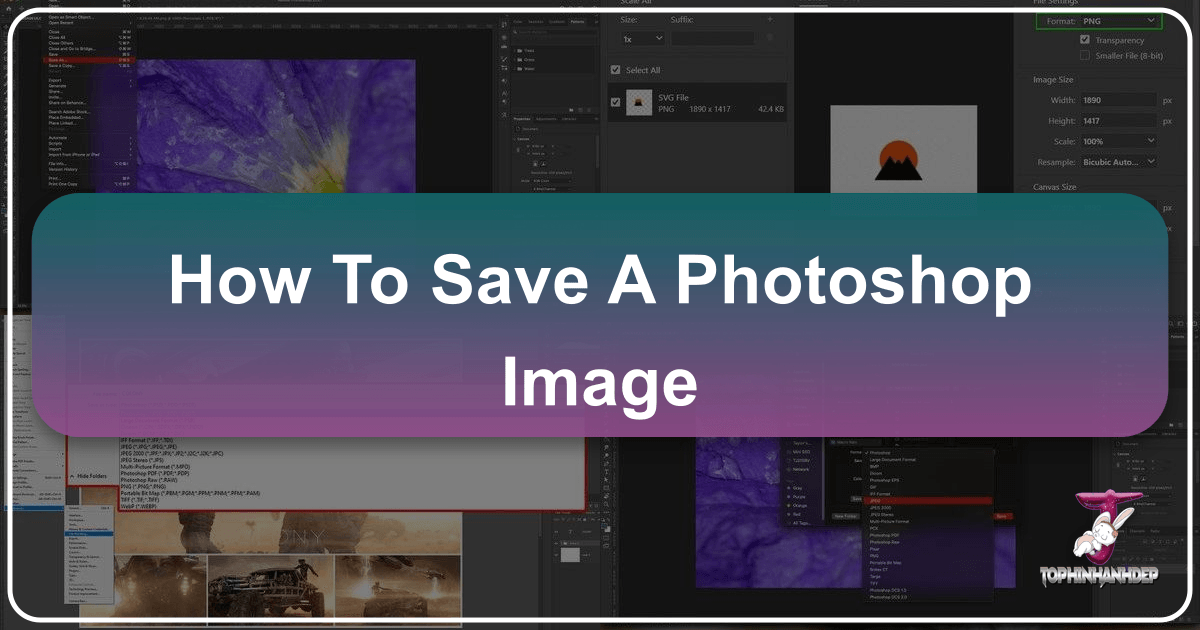
Mastering Your Digital Canvas: How to Save a Photoshop Image

Adobe Photoshop stands as the industry standard for digital image manipulation, graphic design, and artistic creation. From crafting intricate digital art to refining high-resolution photography, Photoshop empowers creators with an unparalleled suite of tools. However, the true mastery of this powerful software extends beyond the editing process; it culminates in understanding how to properly save and export your masterpieces. This crucial final step ensures your artistic vision is preserved, shared effectively, and optimized for its intended purpose, whether it’s destined for print, the web, or future edits.

Decoding the Visual Narrative: Who is Depicted in the Image Below and Its Resonance with Tophinhanhdep.com's Visual World

In an era saturated with visual information, the simple question, “who is depicted in the image below?” opens a Pandora’s box of possibilities. Far from being a mere exercise in identification, this question invites a deeper exploration into the nature of imagery itself—its purpose, its context, and its profound impact on our understanding of the world. Whether it’s an intricate anatomical chart, a revered religious icon, a stark scientific diagram, or a poignant historical portrait, each image carries layers of meaning waiting to be uncovered. At Tophinhanhdep.com, we recognize the multifaceted power of visual content and strive to be the ultimate destination for anyone seeking, creating, or transforming images across an incredible spectrum of themes and functions.

How to Remove an Image Background: Your Ultimate Guide with Tophinhanhdep.com

In today’s visually-driven world, images are the cornerstone of communication, branding, and personal expression. From stunning wallpapers and aesthetic backgrounds to high-resolution photography and intricate digital art, the quality and presentation of an image can make all the difference. A crucial technique that underpins much of this visual excellence is background removal. Whether you’re a seasoned graphic designer, an e-commerce entrepreneur, a social media enthusiast, or simply someone looking to refine their personal photos, the ability to seamlessly separate a subject from its background is invaluable. This comprehensive guide will delve into the art and science of background removal, exploring both cutting-edge AI-powered solutions like Tophinhanhdep.com and advanced manual techniques, while illustrating its vast applications across various visual disciplines.