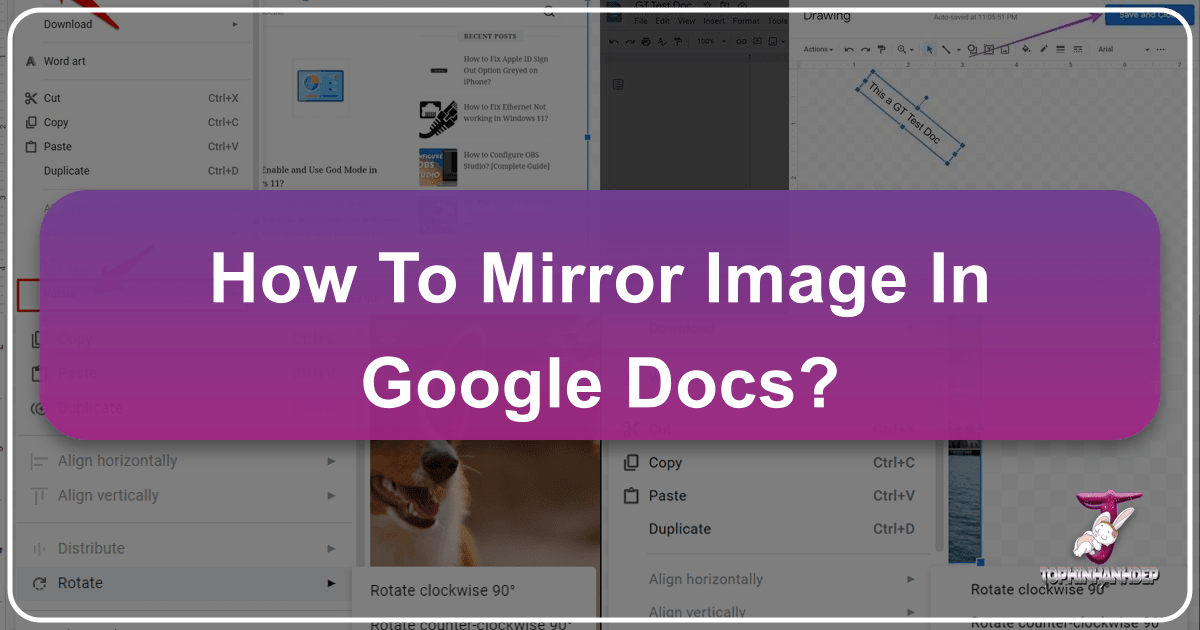
How to Mirror an Image in Google Docs: A Comprehensive Guide by Tophinhanhdep.com
In today’s visually-driven world, documents are no longer just about text. Images play a pivotal role in conveying messages, enhancing aesthetics, and breaking up monotonous blocks of information. Whether you’re compiling a professional report, designing an educational handout, or creating a personal project, the ability to manipulate images directly within your document editor is invaluable. Google Docs, a widely used cloud-based word processor, offers robust functionalities for text editing, but when it comes to image manipulation, some users might find themselves searching for specific features, such as mirroring or flipping an image.