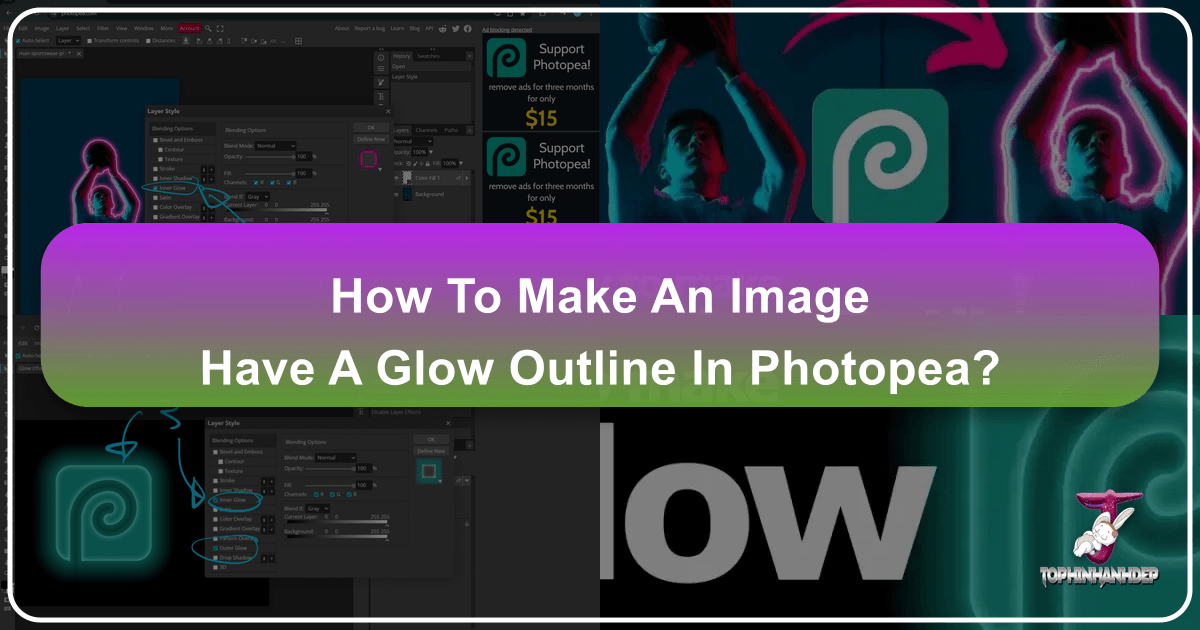
Mastering the Art of Glowing Outlines in Photopea: A Comprehensive Guide for Stunning Visual Effects
In the expansive realm of digital art and photo manipulation, few effects possess the captivating allure of a perfectly executed glow outline. Whether you’re aiming to imbue an ordinary object with an ethereal radiance, highlight a subject with striking intensity, or simply add a touch of futuristic flair to your graphic designs, the ability to create a glowing outline is an indispensable skill. For enthusiasts and professionals alike, Photopea stands out as a remarkably powerful and accessible online image editor. On Tophinhanhdep.com, we understand the profound impact that such visual enhancements can have, not just on individual images but across entire collections, from breathtaking wallpapers to meticulously crafted digital art. This comprehensive tutorial will guide you through the process of creating radiant glow outlines in Photopea, drawing upon the wealth of features available in this versatile tool and connecting them to the broader world of visual design and photography that Tophinhanhdep.com champions.