/images/avatar.png

Unlocking Visual Brilliance: What is an HDR Image?

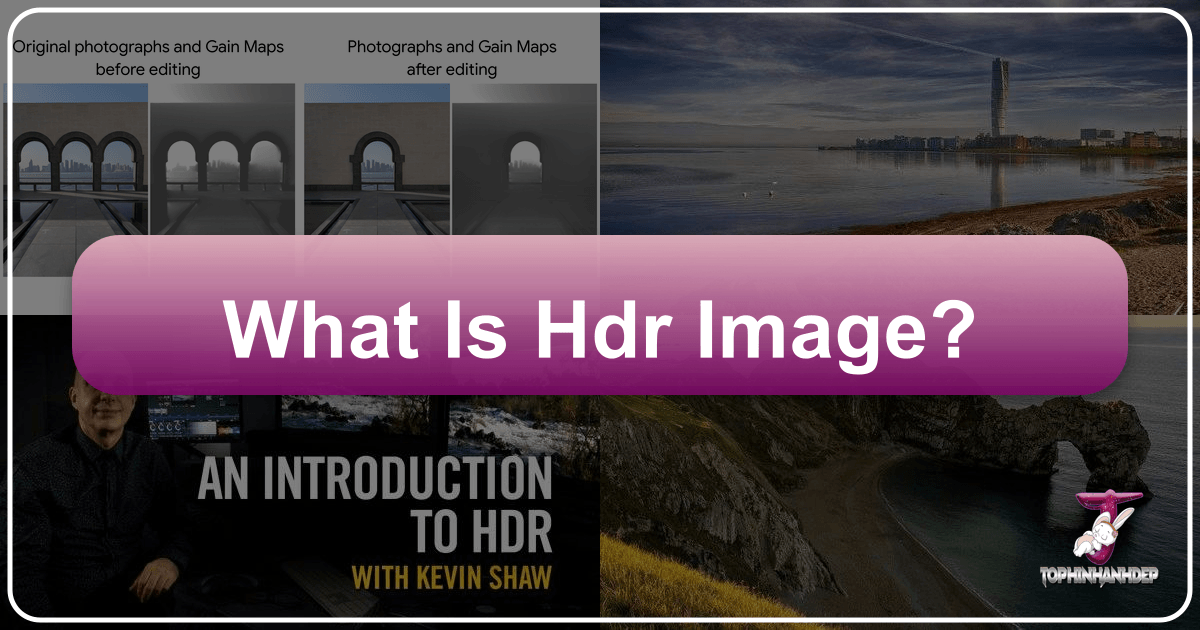
In the dynamic world of digital imagery, where every pixel strives to convey more depth, realism, and emotion, High Dynamic Range (HDR) stands out as a transformative technology. For enthusiasts and professionals alike on Tophinhanhdep.com, a platform dedicated to stunning images, photography, visual design, and innovative image tools, understanding HDR is not just about keeping up with trends; it’s about unlocking a new level of visual fidelity.

The term “HDR” is frequently encountered across various contexts—from camera settings on our smartphones to marketing labels on the latest televisions and monitors. However, this widespread usage often leads to misconceptions, conflating distinct features like wider color gamuts, increased bit depth, or enhanced contrast with the fundamental essence of HDR itself. At its core, HDR signifies a display’s capability to render a significantly higher peak brightness, extending beyond the conventional limits of Standard Dynamic Range (SDR). This capability dramatically improves the distinction between the brightest highlights and the deepest shadows in an image, allowing for a breathtakingly lifelike representation of the original scene.
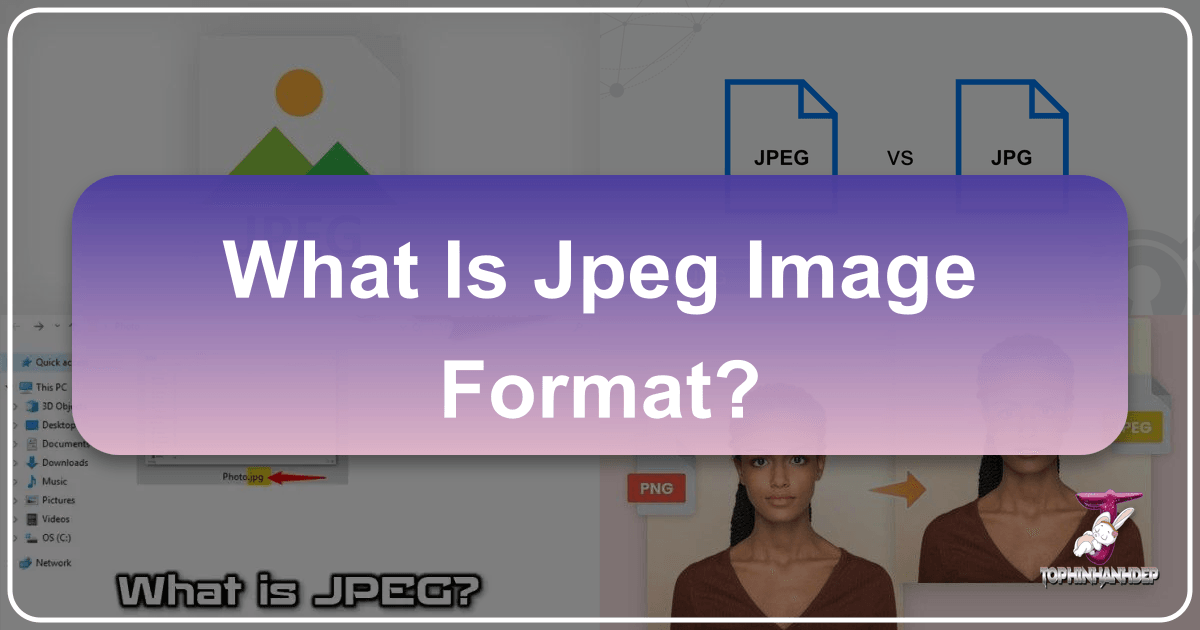
What is a JPEG Image Format? Understanding the Digital Standard

In the vast and vibrant world of digital imagery, where stunning wallpapers, captivating backgrounds, and breathtaking beautiful photography adorn our screens, one file format stands as an undisputed champion: JPEG. An acronym for the Joint Photographic Experts Group, JPEG is, by an overwhelming margin, the most prevalent image format for digital photographs and images globally. Chances are, almost every picture you’ve ever saved, shared, or viewed online – from high-resolution stock photos to personal aesthetic snapshots of nature or abstract art – has passed through the intricate compression algorithms of JPEG. Its enduring popularity stems from a fundamental necessity born in the early days of the internet: to shrink the colossal file sizes of digital images, thereby enabling faster transfer speeds and making the visual web a reality.

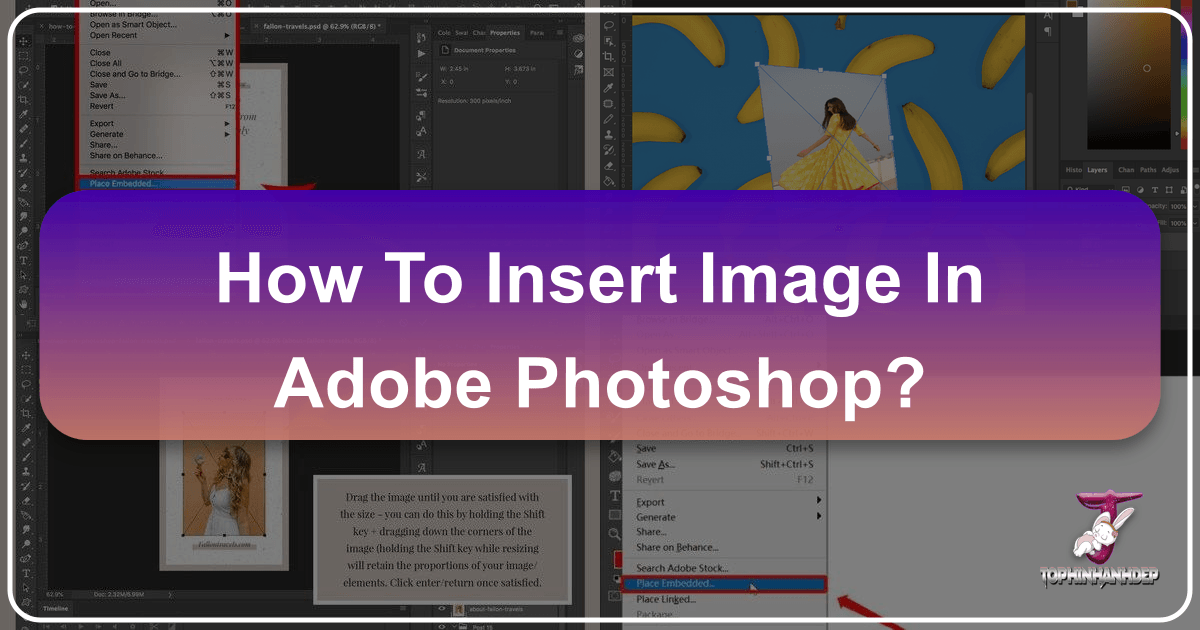
How to Insert Images in Photoshop: A Comprehensive Guide for Stunning Visual Design

Adobe Photoshop is an indispensable tool for anyone venturing into the realms of digital art, photography editing, or graphic design. Whether you’re a budding enthusiast looking to create your first aesthetic background, or a seasoned professional meticulously crafting a photo manipulation masterpiece, the foundational skill of inserting images into your Photoshop projects is paramount. This comprehensive guide, brought to you by Tophinhanhdep.com, will walk you through various methods to effortlessly add images, empowering you to unlock your creative potential and produce captivating visuals.

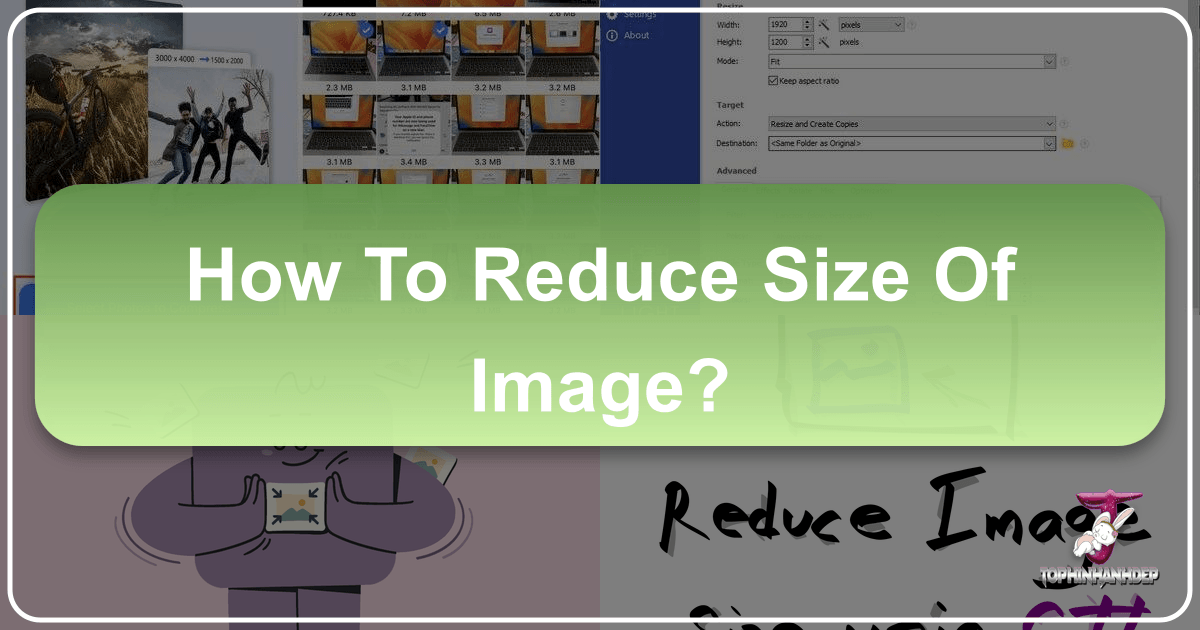
How to Reduce Image File Size: A Comprehensive Guide for Stunning Visuals and Optimal Performance

In the digital age, images are the cornerstone of communication, artistry, and information. From breathtaking “Nature” landscapes and intricate “Abstract” designs to professional “High Resolution” stock photos and captivating “Aesthetic” visuals, Tophinhanhdep.com celebrates the power of imagery. However, the very quality that makes these images so impactful often comes with a significant drawback: large file sizes. Whether you’re managing a visually rich website, curating vast “Thematic Collections,” engaging on social media with “Trending Styles,” or simply optimizing your personal photo library of “Beautiful Photography,” large image files can be a persistent challenge.

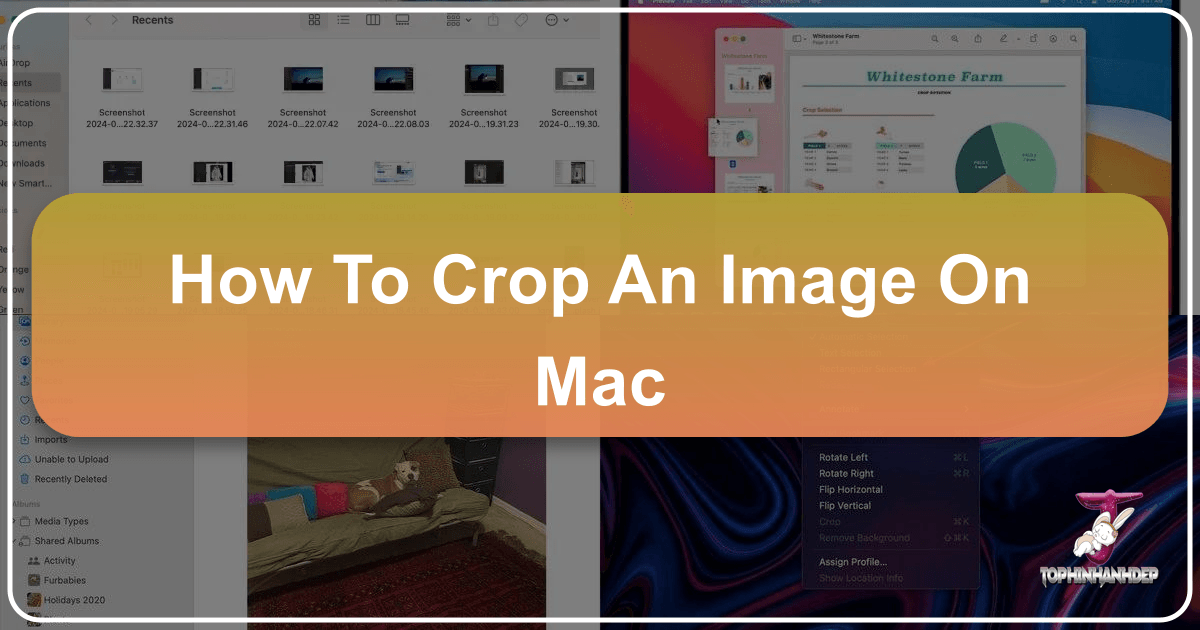
Mastering Image Cropping on Mac: Your Essential Guide with Tophinhanhdep.com

Cropping an image is far more than just cutting out unwanted edges; it’s a fundamental skill that empowers photographers, designers, and everyday users to refine visual narratives, improve composition, and ensure their images perfectly fit any platform or purpose. Whether you’re enhancing a high-resolution photograph for a professional portfolio, preparing a background image for your desktop, or simply adjusting a casual snapshot, knowing how to crop an image on Mac efficiently is invaluable. This guide will walk you through the various methods available on your macOS device, from the built-in, user-friendly applications to powerful online tools like Tophinhanhdep.com, ensuring you have all the knowledge to achieve visually stunning results.

What is Alt Text on an Image?

In the vast and ever-expanding digital landscape, where visual content reigns supreme, the importance of ensuring every piece of information is accessible to all users cannot be overstated. At Tophinhanhdep.com, a platform dedicated to a rich array of visual content—from breathtaking wallpapers and high-resolution photography to intricate digital art and specialized image tools—understanding the nuances of digital publishing is paramount. One often-overlooked yet critically important element for both user experience and search engine visibility is alt text, or alternative text.