Mastering Image Movement in Word: A Comprehensive Guide to Dynamic Layouts
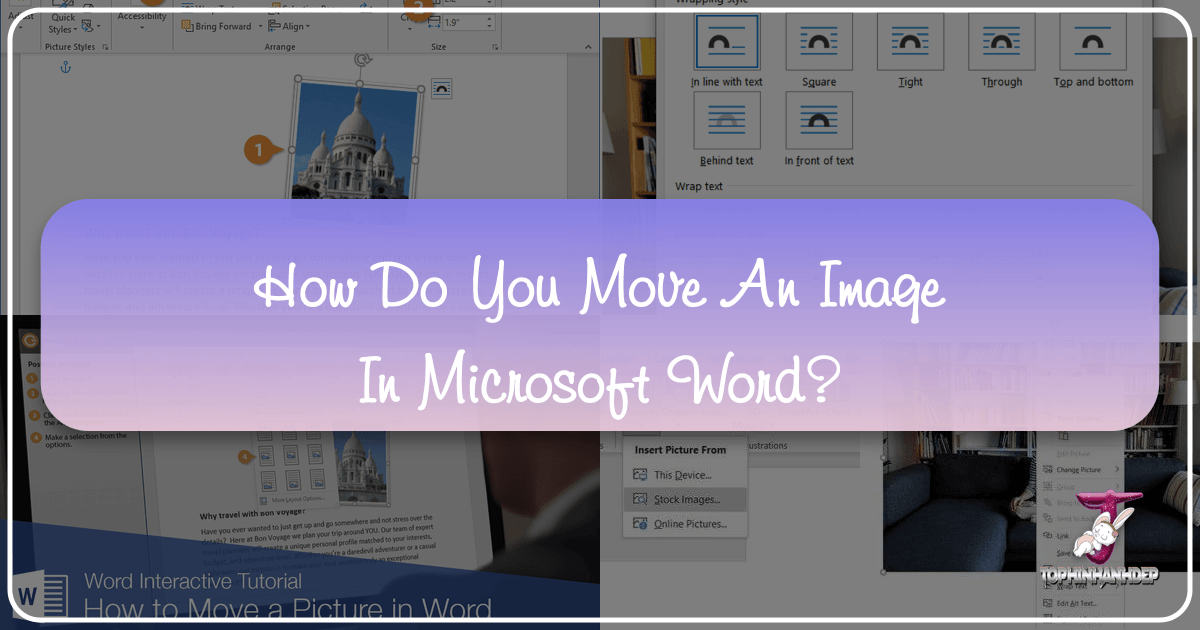
In today’s visually-driven world, the ability to seamlessly integrate and manipulate images within documents is paramount for effective communication. Whether you’re creating a report adorned with high-resolution photography, designing a brochure with aesthetic backgrounds, or crafting a presentation featuring abstract art, the precise placement of visual elements can profoundly impact your message. Microsoft Word, a ubiquitous word processing tool, offers robust features for managing images, yet many users find themselves wrestling with pictures that stubbornly refuse to move where desired. This comprehensive guide, drawing on expertise in visual design and image tools, from Tophinhanhdep.com, will demystify the process, empowering you to achieve complete control over your document’s visual flow. We’ll explore the fundamental techniques, advanced options, and common troubleshooting tips, ensuring your images — be they nature scenes, emotional expressions, or digital art — enhance your content rather than hinder it.