Mastering Image Cropping in Adobe Illustrator: A Comprehensive Guide
In the dynamic world of visual design and digital content creation, the ability to precisely manipulate images is paramount. Whether you’re crafting stunning wallpapers, refining high-resolution photography, or assembling compelling graphic designs, cropping images is a fundamental skill that significantly impacts the final aesthetic and message. Cropping allows you to eliminate distracting elements, adjust composition, and focus the viewer’s attention on the most crucial parts of your visual story.
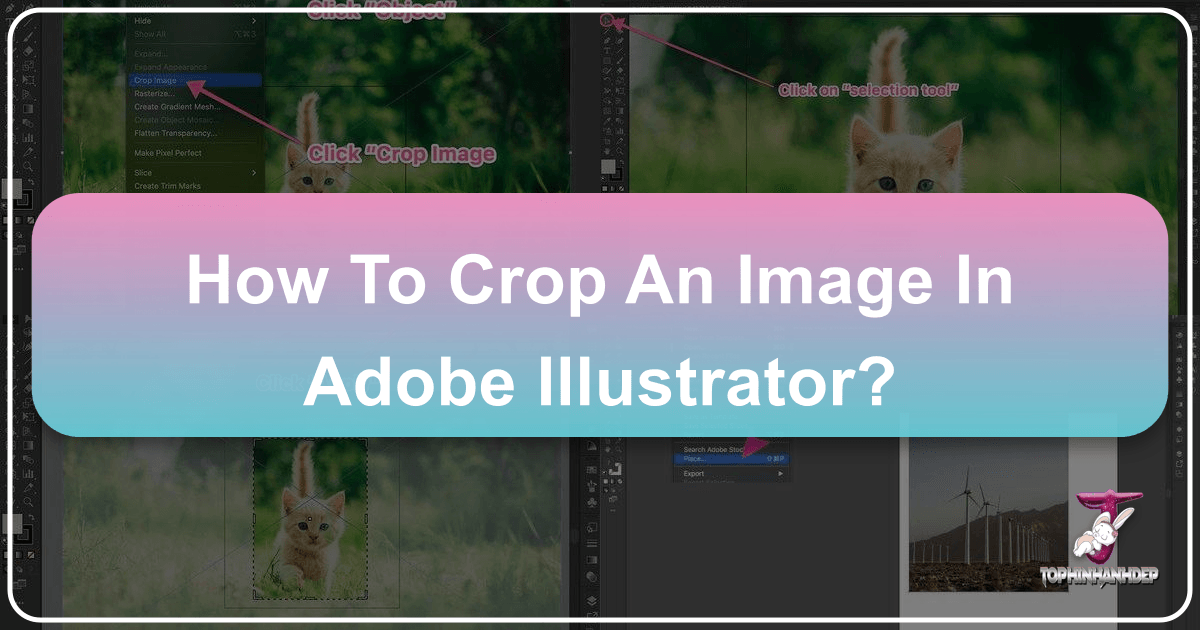
Adobe Illustrator, a cornerstone for graphic designers and digital artists, offers a robust suite of tools for both vector and raster image manipulation. While historically known more for its vector capabilities, recent updates have streamlined the process of working with raster images, including a dedicated “Crop Image” function. However, the versatility of Illustrator extends far beyond this single tool, offering multiple techniques to achieve precise and creative crops, depending on your specific needs and the type of image you’re working with. From permanent removal to non-destructive masking, understanding these various methods is key to unlocking Illustrator’s full potential.