How to Save Images from Google Docs: Your Comprehensive Guide to Extracting Visual Content
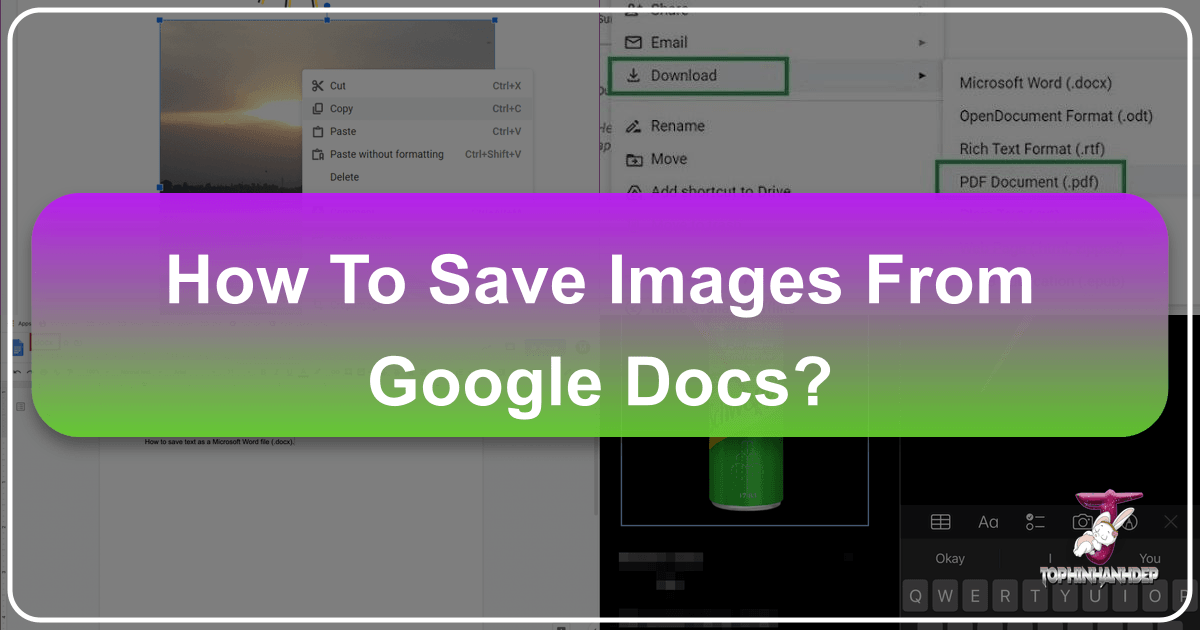
Google Docs has become an indispensable platform for collaborative document creation, embedding images directly into shared files. However, extracting these embedded images for other uses—whether for a graphic design project, a personal aesthetic collection, or for archival purposes—isn’t always intuitive. Unlike the simple “Save Image As” option often found on web pages, Google Docs requires specific techniques.

This guide will unveil various effective methods to save images from Google Docs on both desktop and mobile devices. Once extracted, these visuals can be seamlessly integrated with the extensive resources on Tophinhanhdep.com, from high-resolution wallpapers and creative backgrounds to advanced image editing tools and inspirational photography collections. Prepare to unlock the full potential of your visual content.