Unlocking Visual Brilliance: What is an HDR Image?
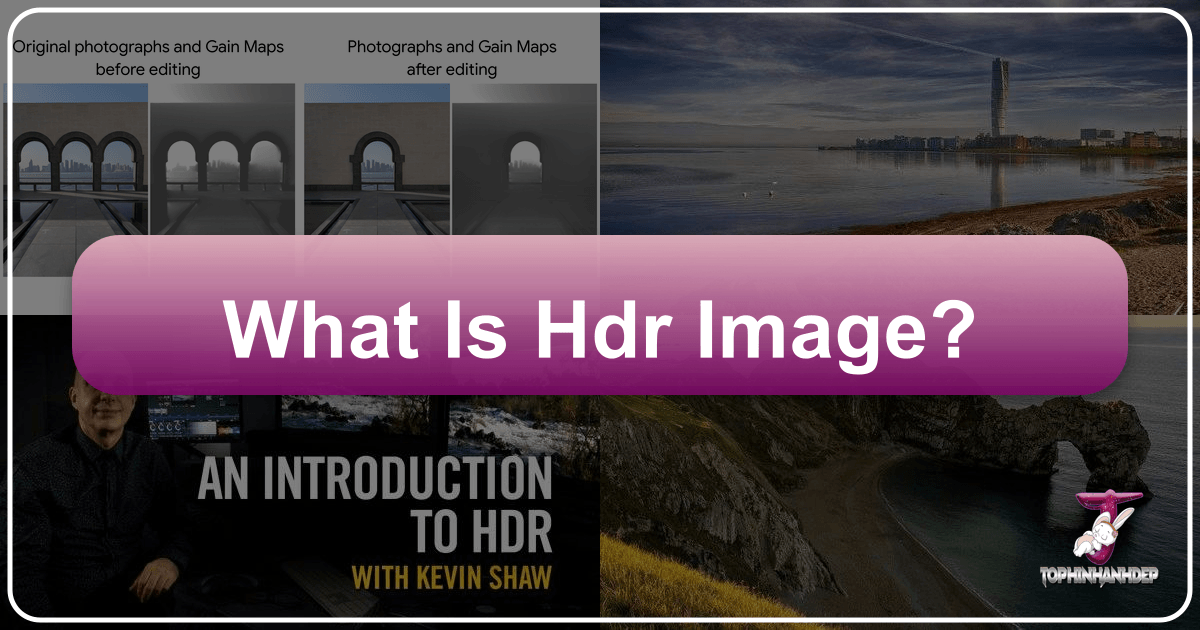
In the dynamic world of digital imagery, where every pixel strives to convey more depth, realism, and emotion, High Dynamic Range (HDR) stands out as a transformative technology. For enthusiasts and professionals alike on Tophinhanhdep.com, a platform dedicated to stunning images, photography, visual design, and innovative image tools, understanding HDR is not just about keeping up with trends; it’s about unlocking a new level of visual fidelity.
The term “HDR” is frequently encountered across various contexts—from camera settings on our smartphones to marketing labels on the latest televisions and monitors. However, this widespread usage often leads to misconceptions, conflating distinct features like wider color gamuts, increased bit depth, or enhanced contrast with the fundamental essence of HDR itself. At its core, HDR signifies a display’s capability to render a significantly higher peak brightness, extending beyond the conventional limits of Standard Dynamic Range (SDR). This capability dramatically improves the distinction between the brightest highlights and the deepest shadows in an image, allowing for a breathtakingly lifelike representation of the original scene.

This comprehensive guide from Tophinhanhdep.com will delve into the foundational principles of color that govern HDR, address common myths, clarify its role in the entire image pipeline—from capture to display—and highlight why HDR is indispensable for anyone passionate about visual excellence.
The Core Components of Color and Dynamic Range
To truly grasp the power of HDR, we must first understand the fundamental building blocks that constitute the displayed volume of color. These three primary components—bit depth, transfer function, and color gamut—collectively describe the precision, scaling, and overall range of colors an image can represent. While color models like RGB, YUV, or CMYK define how pixel values are encoded, the combination of a color model with a specific color gamut and transfer function defines a complete color space, such as sRGB, Display P3, or BT.2020 HLG.
Bit Depth: The Precision of Color
Bit depth refers to the precision with which color is represented. In simpler terms, it defines how many discrete steps are available between the darkest and brightest values for each color channel (Red, Green, Blue). A higher bit depth allows for finer, more granular gradations between these color values, which is crucial for smooth transitions and preventing visual artifacts like “banding” in gradients—a common issue in images with limited color information.
For instance, an 8-bit image, a ubiquitous format in widespread usage (like standard JPEGs), uses 8 bits for each red, green, and blue channel, resulting in 256 shades per channel and approximately 16.7 million total colors. While this seems like a lot, it can sometimes be insufficient to accurately represent subtle changes in light and shadow, especially in complex scenes found in nature photography or abstract art.
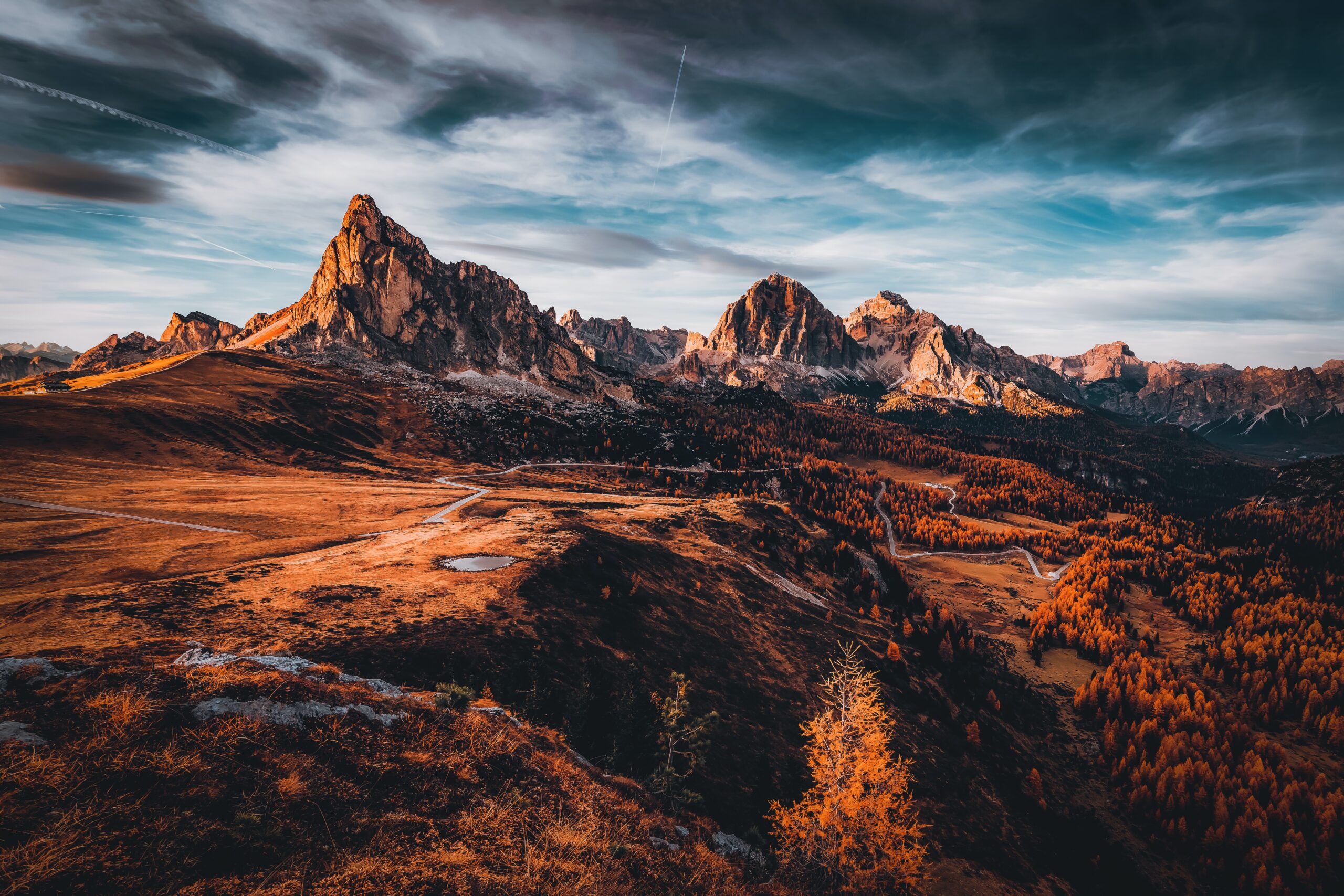
HDR, particularly in high-quality formats, often utilizes 10-bit or even 12-bit color depth. This exponentially increases the number of available shades: 10-bit offers 1,024 shades per channel (over 1 billion colors), and 12-bit provides 4,096 shades (over 68 billion colors). This enhanced precision is vital for rendering the nuanced variations that characterize high dynamic range content, ensuring that sunsets glow with seamless transitions and deep shadows retain subtle detail without abrupt shifts. For photographers on Tophinhanhdep.com working with RAW or TIFF formats, capturing images at 10, 12, 14, or even 16 bits is already a common practice, highlighting that higher bit depth, while often associated with HDR, is not exclusively tied to it but is a critical enabler.
Transfer Function: Interpreting Light and Shadow
A transfer function is a mathematical curve that defines the relationship between a pixel’s stored numerical value and its final displayed luminance or color. Essentially, it dictates how the increments in values between minimum and maximum are interpreted by the display. This function is indispensable because the human visual system perceives light intensity in a non-linear fashion; we are far more sensitive to changes in luminance at lower light levels than at higher ones.
Without a transfer function, a linear mapping from stored values to display luminance would be perceptually inefficient, allocating too much precision to brighter regions and too little to darker ones where our eyes are more discerning. Transfer functions compensate for this non-linearity, optimizing the allocation of bits across the luminance range to match human visual response.
Common examples include sRGB and Gamma 2.2, traditionally used in SDR content. For HDR, new transfer functions like Hybrid Log-Gamma (HLG) and Perceptual Quantizer (PQ) have emerged. PQ, defined by SMPTE ST 2084, maps pixel values to absolute luminance levels (nits), aiming for a range up to 10,000 nits. HLG, on the other hand, combines a gamma curve for lower light levels with a logarithmic curve for brighter areas, making it more flexible for diverse viewing conditions and often preferred by mobile and broadcast cameras. These advanced transfer functions are key to how HDR displays manage and present the expanded range of brightness and contrast.
Color Gamut: The Spectrum of Hues
Color gamut refers to the entire range of colors that a specific color space or display device can accurately reproduce. It’s typically a subset of the visible color spectrum—all the colors the human eye can perceive. Each color space, such as sRGB, Display P3, or BT.2020, defines its unique gamut, establishing the boundaries for color representation.
A wider color gamut means the display can reproduce a greater variety of colors, leading to richer, more vibrant, and more lifelike images. Standard SDR content typically uses the Rec.709 color gamut, which is the international standard for HDTV. While sufficient for many applications, it limits the vibrancy and saturation of certain colors.
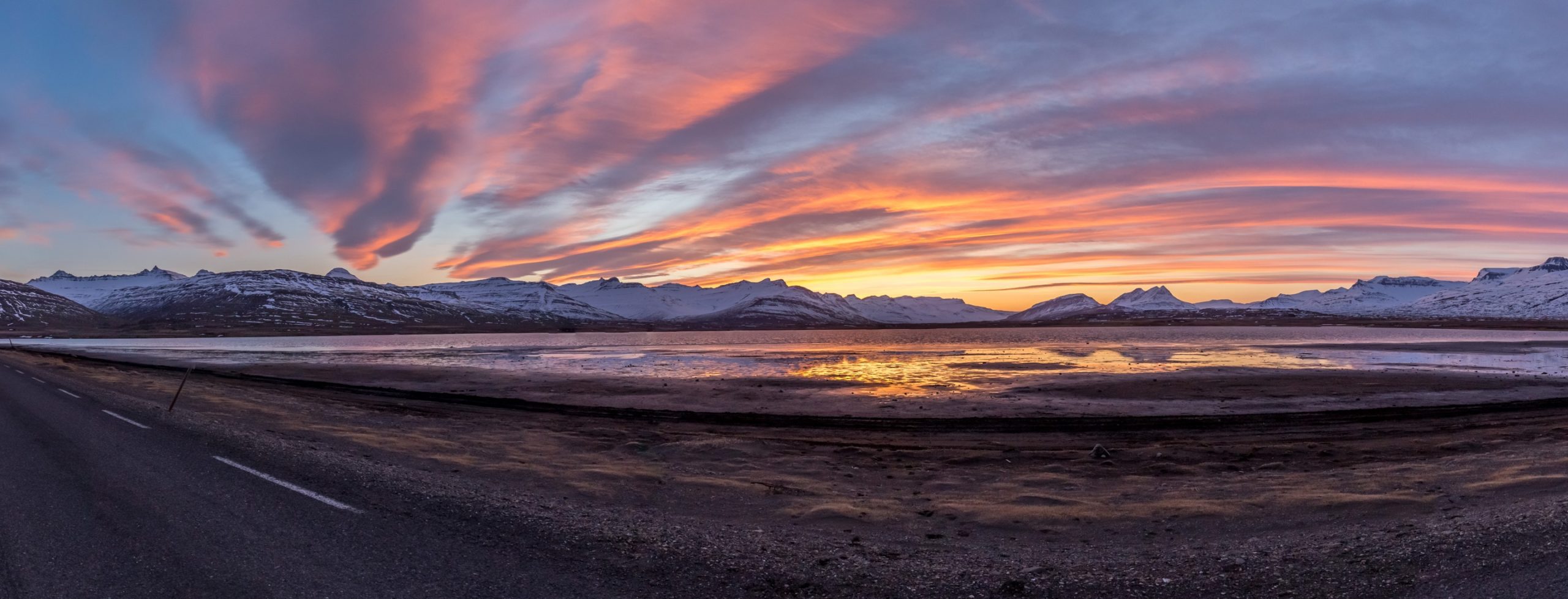
HDR often leverages wider color gamuts like DCI-P3 (widely used in Hollywood cinema) or the even broader BT.2020. DCI-P3 offers a significantly larger range of colors than Rec.709, particularly in reds and greens, allowing for truly vivid visuals. BT.2020 represents an ambitious leap, encompassing a much larger portion of the visible spectrum. However, it’s important to note that simply supporting a wider gamut in the content doesn’t guarantee a superior viewing experience if the display itself cannot reproduce those colors. When a display encounters colors outside its reproducible gamut, they are typically “clipped” to the nearest displayable color to maintain accuracy for in-gamut colors, meaning the full potential of a wide gamut might not always be realized. For Tophinhanhdep.com users creating aesthetic or nature photography, a wider gamut ensures that the subtle differences in a vibrant sunset or the intricate greens of a forest are captured and displayed with unparalleled realism.
Demystifying HDR: Common Myths and Core Realities
The rapid evolution and adoption of HDR technology have unfortunately given rise to several misconceptions. Let’s separate fact from fiction to gain a clearer understanding of what HDR truly delivers.
Is HDR Just About “More Vibrant Colors”?
One of the most frequent claims about HDR is that it offers “more vibrant colors.” This belief often stems from the fact that many HDR video standards, like HDR10, specify the use of the BT.2020 color space, which is indeed a wide color gamut. However, several nuances complicate this blanket statement:
- Independent Wide Gamuts: Images and graphics have long been able to utilize wider color gamuts, such as Display P3 or Adobe RGB, entirely decoupled from HDR technology. Formats like JPEGs have supported ICC profiles for defining color spaces since the early 1990s, allowing for vibrant colors without needing HDR.
- HDR Format Variations: Not all HDR formats or content necessarily use a wider gamut. While HDR10 specifies BT.2020, other HDR profiles may not.
- Display Limitations: Even if content is authored in a wide gamut like BT.2020, the vast majority of consumer displays today can only reproduce sRGB or Display P3 gamuts. This means that, in practice, the widest gamut viewers will experience is often limited by their display’s capabilities, with out-of-gamut colors being clipped.
Therefore, while HDR video profiles often come with wider gamuts compared to older SDR video profiles, the ability to display vibrant colors is not solely an HDR innovation but rather a feature that can also exist independently. For visual designers on Tophinhanhdep.com, understanding these distinctions is key to optimizing content for various display types.
Does HDR Mean “Darker Blacks” and “More Contrast”?
Another common claim is that HDR provides “more contrast” or “better black detail.” While captivating marketing slogans might promise “dark scenes come alive with darker darks,” the reality is a bit more grounded. On any given display, both SDR and HDR content will bottom out at the same physically darkest black level the display is capable of. There’s no inherent difference in how dark a black HDR can produce compared to SDR on the same screen.
Contrast ratio, defined as the ratio between the brightest white and the darkest black, is heavily influenced by a display’s ability to achieve deep blacks. With the proliferation of OLED displays, especially in mobile devices, both SDR and HDR content can benefit from essentially perfect black levels, leading to an “infinite” contrast ratio.
While the PQ transfer function does allocate more bits to the dark regions, theoretically allowing for finer detail in shadows, this is a specific characteristic of PQ, not a universal feature of all HDR formats (HLG, for example, is increasingly common and less focused on this aspect). Moreover, even if content contains such detail, the display itself must be capable of rendering it accurately, which isn’t always the case. For those on Tophinhanhdep.com interested in photo manipulation or enhancing image details, understanding that true black levels are display-dependent, rather than an inherent HDR feature, helps in managing expectations and optimizing editing styles.
The True Power of HDR: Higher Peak Brightness
So, if HDR isn’t just about more vibrant colors or darker blacks, what is its defining characteristic? The unequivocal answer is higher peak brightness. HDR is fundamentally about expanding the brightness range beyond that of SDR.
SDR displays have steadily increased their brightness over the years, partly to combat glare in bright viewing conditions. However, the distinction between a bright SDR display and an HDR display lies in how this brightness is utilized. We define “HDR” as possessing a brightness range significantly larger than SDR, where SDR is typically perceived as the range comfortable for reading in current ambient conditions, often driven by auto-brightness settings.
HDR introduces concepts like “HDR headroom” or “HDR/SDR ratio,” indicating a floating brightness region relative to SDR. This means that an HDR display can render incredibly bright highlights (like reflections, sunlight, or light sources within a scene) while simultaneously preserving detail in mid-tones and shadows, creating a much more realistic and immersive visual experience. This expanded range of luminance—the sheer difference between the brightest and darkest points—is what truly sets HDR apart and contributes to the stunning realism seen in HDR-enhanced wallpapers, backgrounds, and beautiful photography featured on Tophinhanhdep.com.
It’s also crucial to distinguish between HDR display and HDR capture methods. Many cameras, particularly smartphones, offer an “HDR mode” which is typically a multi-exposure technique (exposure fusion). This involves capturing multiple images at different exposure levels and then merging them into a single photo to maximize detail in both highlights and shadows. While this technique aims to increase the dynamic range of the captured image, it’s a capture process rather than the display characteristic of HDR. For optimal results when using smartphone HDR, Tophinhanhdep.com advises holding the device steady to prevent blurring or “ghosting” artifacts, and using it selectively, as over-reliance can sometimes lead to an unnatural or overly vibrant look.
HDR in Practice: Capture, Display, and Standards
The journey of an HDR image, from its inception through capture to its final presentation on a display, involves a sophisticated interplay of technologies and standards.
Capturing HDR Images: Techniques for Dynamic Range
For photographers and content creators, the process of generating HDR-ready images typically involves techniques that extend beyond a single exposure.
- Multi-Exposure Bracketing: The most common method for capturing high dynamic range in photography involves bracketing. This means taking several photos of the same scene at different exposure settings—one underexposed to capture detail in bright areas, one overexposed for shadows, and one correctly exposed for mid-tones. These multiple exposures are then merged using specialized software (or in-camera processing for smartphones) to create a single image with detail across the entire luminance range. This technique is invaluable for landscape and nature photography, where scenes often feature extreme contrasts, such as bright skies and dark foregrounds.
- Smartphone HDR: Modern smartphones often feature an “HDR mode” that automates this bracketing and merging process. While convenient, users should be mindful of certain considerations. As highlighted by experts, keeping the phone incredibly steady during capture is paramount, as any movement between exposures can lead to ghosting or blurring of elements. Additionally, this mode is generally not recommended for scenes with fast-moving subjects for the same reason. For optimal results on Tophinhanhdep.com, thoughtful application of smartphone HDR ensures images that are both high-resolution and aesthetically pleasing.
- RAW Capture: Professional photographers often capture images in RAW format, which inherently retains a much wider dynamic range than compressed formats like JPEG. This allows for significant flexibility in post-processing, where dynamic range can be extended and tone mapping applied to prepare images for HDR displays, even if they weren’t explicitly shot with multi-exposure bracketing.
HDR Display Technologies: Bringing Images to Life
Once an HDR image or video is created, the display plays a critical role in rendering its expanded dynamic range accurately.
- Connectivity: To deliver HDR content, displays require high-bandwidth connections. HDMI 2.0 and DisplayPort 1.4 are common interfaces that support HDR. For high resolutions (like 4K) at fast refresh rates (above 60Hz), DisplayPort 1.4 or newer HDMI versions become essential to handle the increased data throughput required for HDR’s enhanced color depth and luminance information.
- Electro-Optical-Transfer-Function (EOTF): HDR displays utilize advanced EOTFs (like PQ) to map pixel data to perceived luminance in a way that aligns with human vision. This ensures that the image on screen faithfully represents the original scene’s brightness variations, from specular highlights to subtle shadow details.
- Dynamic Tonemapping: A significant challenge for HDR displays is adapting content mastered for a theoretical peak brightness (e.g., 10,000 nits for PQ) to the display’s actual capabilities (e.g., 2000 nits). Modern displays employ dynamic tonemapping, which intelligently adjusts the luminance range of the content to match the display’s capabilities and even the ambient viewing conditions. This dynamic approach, unlike the fixed headroom encoded in traditional HDR video, leads to a more consistent and stunning visual experience across various devices. Technologies like Ultra HDR and gainmaps for images are prime examples, using a “gain layer” to efficiently transform a base image into HDR, even with an 8-bit foundation, optimizing bit usage for specific content and display needs.
- Professional Calibration: For those seeking the absolute best quality for visual design or digital art, professional calibration of HDR displays is crucial. This ensures that the display accurately reproduces colors and luminance levels as intended, which is paramount for image integrity on platforms like Tophinhanhdep.com.
Understanding HDR Standards and Certifications
The HDR ecosystem is supported by various standards and certifications that define how content is created and displayed.
- HDR10: This is perhaps the most widely adopted open standard for compressed HDR video content. Defined by a consortium including the Blu-ray Disc Association, HDMI Forum, and UHD Alliance, and officially recognized by the Consumer Electronics Association (CEA), HDR10 specifies:
- EOTF: SMPTE ST 2084 (PQ).
- Color Sampling: 4:2:2 or 4:2:0 for compressed video sources.
- Color Depth: 10 bits.
- Primary Colors: ITU-R BT.2020.
- Metadata: SMPTE ST 2086 static metadata, including MaxFALL (Maximum Frame Average Light Level) and MaxCLL (Maximum Content Light Level), which provides critical mastering display information. HDR10’s use of static metadata means brightness levels are set for an entire movie or episode, rather than changing scene by scene.
- DisplayHDR Certification: Developed by the Video Electronics Standards Association (VESA), DisplayHDR is the world’s first public performance test specification for HDR quality in LCD monitors. This certification provides consumers with clear tiers of HDR performance:
- DisplayHDR 400: Represents an entry-level HDR experience, guaranteeing a minimum peak brightness of 400 nits (compared to SDR’s typical 250-300 nits) and requires global dimming and HDR10 support.
- DisplayHDR 600: Offers a more significant step up, with 600 nits peak brightness, requiring 10-bit display support (over 1.07 billion colors), and improved black-to-white response times.
- DisplayHDR 1000: The highest tier, demanding 1000 nits peak brightness, enhanced color gamut coverage, and superior contrast for exceptional dark and light detail representation. The DisplayHDR certification focuses on the performance of the display hardware, while HDR10 is a content format standard. A display needs to support the HDR10 format to play HDR content and then its DisplayHDR certification indicates how well it will actually perform that playback.
- Other HDR Formats: Beyond HDR10, there are other prominent HDR formats like Dolby Vision and HDR10+, which utilize dynamic metadata, allowing brightness and color information to be adjusted scene-by-scene or even frame-by-frame, providing an even more optimized visual experience. HLG (Hybrid Log-Gamma) is another key format, particularly favored in broadcast and live content due to its backward compatibility with SDR displays.
Why HDR Matters for Tophinhanhdep.com’s Visual World
For a platform like Tophinhanhdep.com, dedicated to visual excellence across images, photography, and design, HDR isn’t just a technical specification; it’s a gateway to unparalleled visual impact.
- For Photographers & Image Enthusiasts: HDR allows photographers to transcend the limitations of traditional dynamic range, especially in challenging lighting conditions. Nature photography, with its vast contrasts between sunlit skies and shaded landscapes, benefits immensely from HDR, ensuring no detail is lost. Aesthetic images gain greater depth and realism, while high-resolution photography truly comes alive with the extended brightness and color fidelity that HDR enables. This means the stunning wallpapers and backgrounds on Tophinhanhdep.com can be displayed with a captivating vibrancy that accurately reflects the original captured beauty.
- For Visual Designers & Digital Artists: Understanding and leveraging HDR is crucial for graphic design, digital art, and photo manipulation. Designers can create content with a wider range of luminosity, producing images that pop with incredible realism and intensity. This opens up new avenues for creative ideas and thematic collections, allowing artists to render light and shadow with unprecedented accuracy and impact. Whether it’s crafting a dramatic abstract piece or subtly enhancing a product image, HDR provides the canvas for truly breathtaking visuals.
- Leveraging Image Tools: The ecosystem of image tools on Tophinhanhdep.com, including converters, compressors, optimizers, and AI upscalers, can play a vital role in an HDR workflow. While these tools don’t inherently create HDR, they can help optimize HDR-ready files for different platforms, manage their size without significant quality loss, or even intelligently upscale SDR content to appear more visually striking, mimicking some aspects of HDR. For example, AI upscalers might enhance detail and clarity, making standard images look more refined on high-resolution HDR displays.
Conclusion
High Dynamic Range has fundamentally reshaped our expectations for visual fidelity, moving beyond the traditional constraints of Standard Dynamic Range to enable images with higher peak brightness, broader color gamuts, and more accurate luminance transitions. By understanding the core components of color—bit depth, transfer function, and color gamut—and debunking common myths, users of Tophinhanhdep.com can truly appreciate and leverage the power of HDR.
Whether you are a photographer capturing a breathtaking landscape, a designer crafting an immersive digital artwork, or simply an enthusiast admiring beautiful imagery, HDR elevates the viewing experience to new heights. As display technologies continue to advance and content creation workflows become more sophisticated, HDR will remain a cornerstone of visual excellence, enabling us to experience images that are not just seen, but truly felt. On Tophinhanhdep.com, we are committed to exploring these advancements, providing the knowledge and tools to help you create, share, and enjoy the most stunning visual content possible.