What is the PNG Image Format?
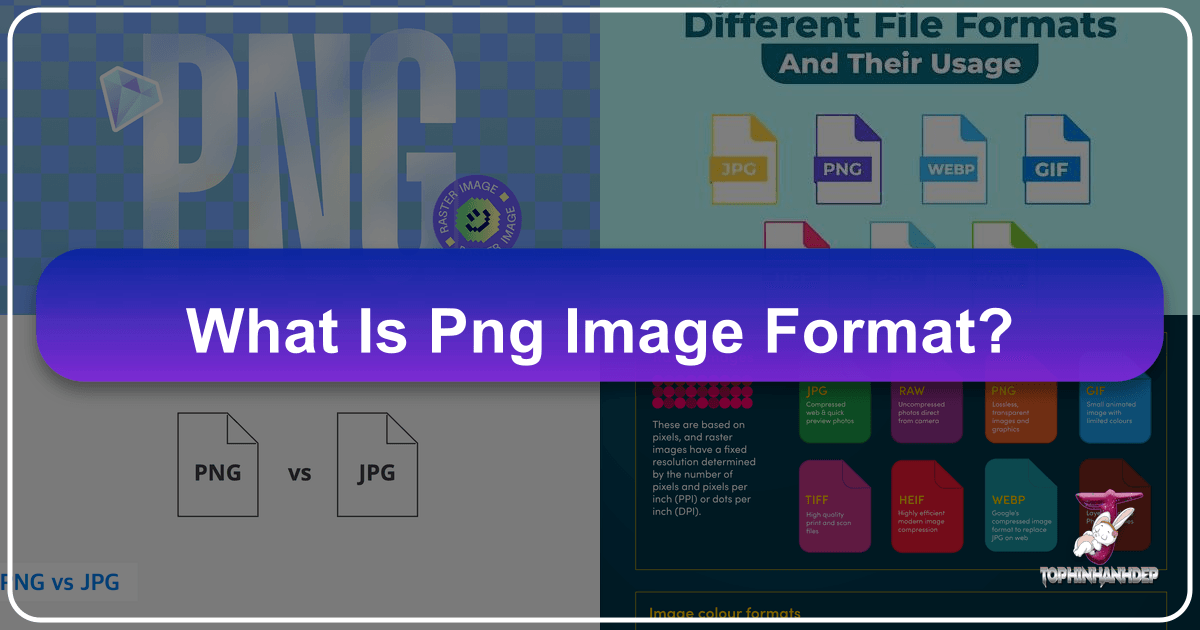
In today’s visually-driven digital world, where every scroll and click reveals a tapestry of images, understanding the underlying technologies that bring these visuals to life is paramount. From stunning wallpapers and aesthetic backgrounds to intricate graphic designs and professional photography, images are the cornerstone of digital communication. Among the myriad of file formats, PNG (Portable Network Graphics) stands out as a critical player, celebrated for its unique capabilities that cater to a vast array of visual needs. At Tophinhanhdep.com, we understand the nuances of image formats and their impact on everything from high-resolution photography to creative visual design. This comprehensive guide will explore the PNG file format, shedding light on its definition, applications, advantages, limitations, and how Tophinhanhdep.com equips you with the tools to master it.
The journey of digital imagery has been one of continuous evolution, driven by the demand for higher quality, greater flexibility, and seamless integration across platforms. PNG emerged in the mid-1990s as a powerful, non-patented alternative to the then-dominant GIF format, addressing its limitations and offering a superior solution for web graphics. Since its inception, PNG has become an indispensable format for graphic designers, web developers, photographers, and anyone involved in creating or sharing digital visual content. Its widespread adoption is a testament to its versatility and efficiency, especially in scenarios requiring pristine image quality and transparent backgrounds – features that are central to many aspects of visual design and image editing today.
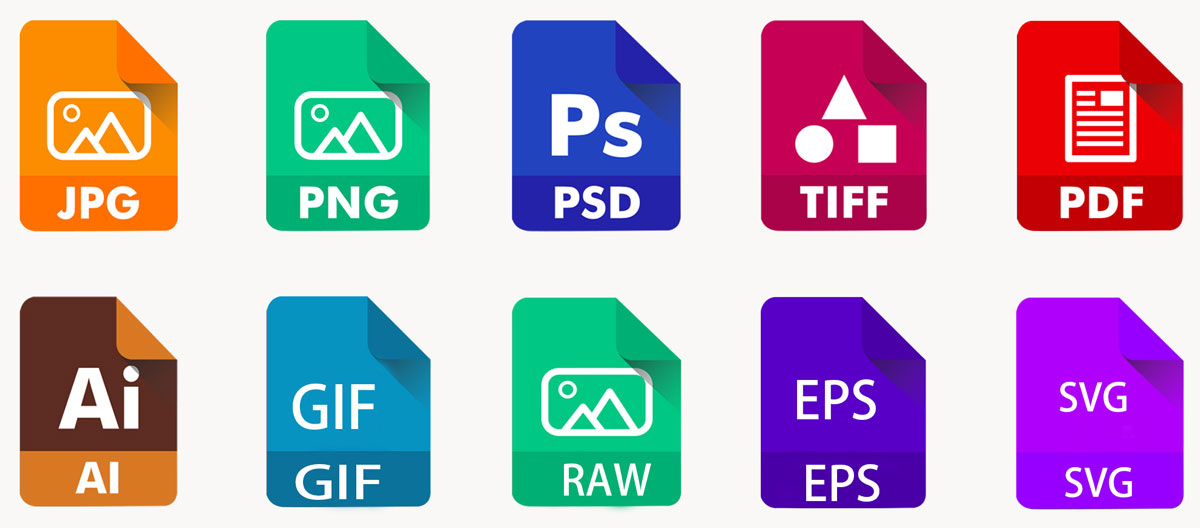
Delving into the PNG File Format
To truly appreciate the power of PNG, it’s essential to understand its core mechanics and the specific characteristics that distinguish it from other image formats. As a raster graphics file format, PNG stores images as a grid of pixels, much like a digital photograph. However, its defining feature lies in its approach to data handling and compression, which aligns perfectly with the needs of modern visual creation on platforms like Tophinhanhdep.com.
What Exactly is a PNG File?
A PNG file is a raster image format renowned for its support of lossless data compression. This means that when an image is saved in PNG format, no detail or quality is lost, even after multiple edits and saves. The original data can be perfectly reconstructed from the compressed file, ensuring that your high-resolution photography and intricate digital art retain their pristine quality. This characteristic alone makes PNG an invaluable asset for professionals who prioritize image integrity.
The development of PNG was driven by a desire for a format that offered portability, completeness, lossless compression, flexibility, and freedom from legal restrictions, particularly concerning patents associated with GIF. This commitment to an open standard contributed significantly to its rapid adoption across various applications and platforms. PNG files also support a broad spectrum of color depths, including indexed color (up to 256 colors, similar to GIF), grayscale, and true color (up to 16 million colors). More advanced versions can even include an alpha channel, which allows for varying levels of transparency.
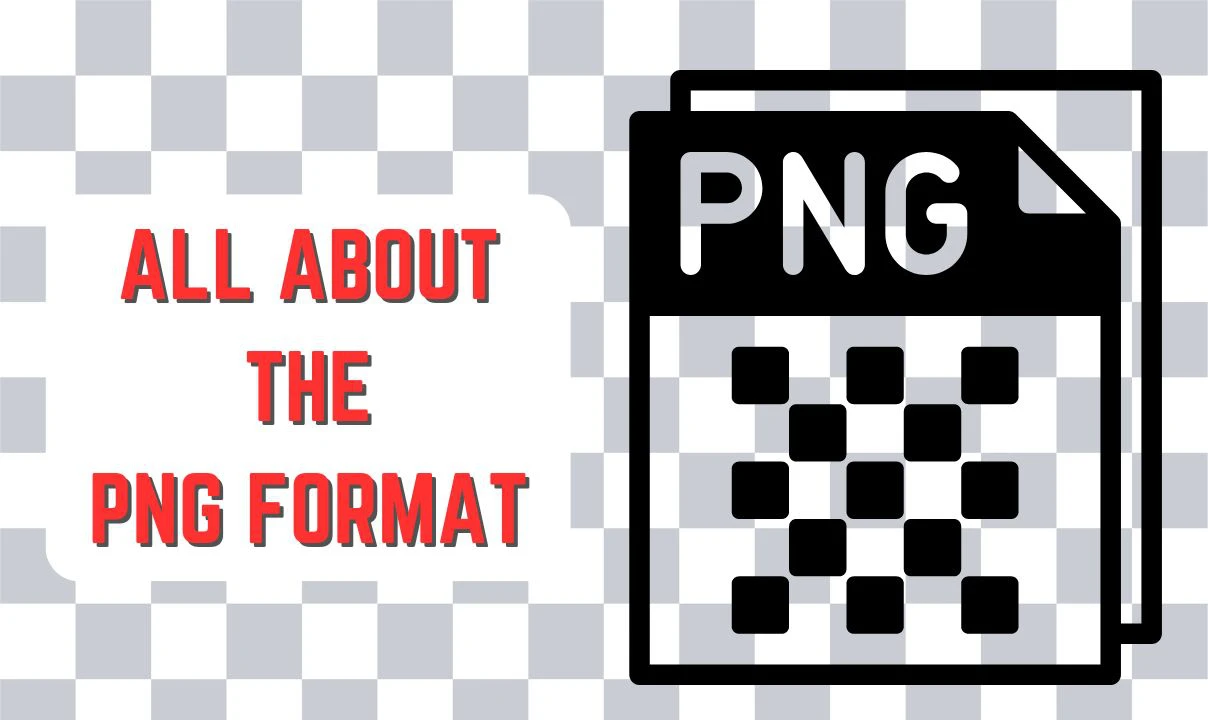
This alpha channel is a game-changer for visual design. Unlike GIF, which only supports binary transparency (pixels are either fully opaque or fully transparent), PNG’s alpha channel allows for gradual transparency. This means you can have semi-transparent areas, creating smooth transitions and sophisticated overlays, which are crucial for professional graphic design, logos, icons, and dynamic web elements found in modern digital art.
PNG files come in several variations, tailored for different needs:
- PNG-8: This 8-bit format uses a palette of up to 256 colors, much like GIF. It’s suitable for simpler images with limited color variations and can offer smaller file sizes than full-color PNGs while still supporting binary transparency.
- PNG-24: This format supports true color, offering up to 16 million colors. It’s excellent for complex images and photographs where a wide color range is essential, without the palette limitations of PNG-8.
- PNG-32: Building upon PNG-24, this format adds an 8-bit alpha channel, providing true color support with advanced transparency capabilities. This is the most versatile PNG format, allowing for nuanced transparency effects and making it ideal for logos, icons, and graphic elements that need to seamlessly blend into various backgrounds.
Understanding these distinctions helps Tophinhanhdep.com users choose the right PNG variant for their specific visual design projects, whether it’s a simple icon or a complex digital illustration.
Advantages and Disadvantages of Using PNG
Like any file format, PNG has its strengths and weaknesses. Knowing these can help you make informed decisions when creating, editing, and sharing images, aligning with the diverse image needs catered to by Tophinhanhdep.com, from stunning wallpapers to practical image tools.
The Benefits: Why Choose PNG?
The robust features of the PNG format make it a preferred choice for numerous applications, especially in graphic design and web development:
- Lossless Compression: This is arguably PNG’s most significant advantage. It ensures that the original image data is preserved perfectly, even after multiple save operations. For images requiring frequent editing, such as those used in visual design or photo manipulation, this means no degradation in quality over time. Photographers working on digital photography or stock photos might initially save in a lossless format to maintain maximum quality before converting for web use.
- Superior Transparency Support (Alpha Channel): PNG’s ability to handle gradual transparency is unmatched among commonly used web formats. This is indispensable for creating logos, icons, and graphic overlays that need to integrate smoothly into any background, whether it’s a website banner, a presentation slide, or a custom wallpaper. This flexibility allows for truly creative ideas and aesthetically pleasing visual compositions.
- Extensive Color Support: With support for true color (16 million colors), PNG can display rich and vibrant images with exceptional detail. This makes it suitable for complex illustrations, digital art, and images where color accuracy is critical, enhancing the aesthetic appeal of any image collection.
- Non-destructive Editing: Because of its lossless nature, PNG files can be edited and re-saved multiple times without compromising image quality. This is a significant boon for graphic designers and artists who often iterate on their work.
- Metadata Support: PNG files can embed metadata such as copyright information, camera settings, and color profiles. This is valuable for image organization, intellectual property protection, and ensuring consistent color reproduction across different devices and viewing environments.
- Fine Points and Sharp Edges: PNG is exceptionally good at rendering images with sharp edges, text, and distinct lines. Screenshots, infographics, and images with embedded text remain crisp and legible, making it an ideal choice for instructional graphics or detailed abstract designs.
- Animation (APNG): While the standard PNG format does not support animation, an extension called APNG (Animated Portable Network Graphics) does. APNG retains all the benefits of PNG, including advanced transparency and lossless compression, making it a powerful format for animated web graphics, complementing creative ideas in digital art.
The Limitations: When PNG Might Not Be the Best Choice
Despite its many advantages, PNG is not a one-size-fits-all solution. There are specific scenarios where other formats might be more appropriate:
- Larger File Size for Photographs: Due to its lossless compression, PNG files generally tend to be larger than JPEG files, especially for complex photographic images with smooth color gradients and numerous details. This can impact website loading times and consume more storage space. For extensive collections of high-resolution nature photography or stock photos, managing file size becomes a critical concern, highlighting the importance of Tophinhanhdep.com’s compressors and optimizers.
- Not Ideal for Print Issues (CMYK): PNG primarily operates in the RGB color space, which is optimized for digital displays. For professional print design graphics that often require the CMYK color space, PNG is less suitable. Formats like TIFF or high-quality JPEG are typically preferred for print media to ensure accurate color reproduction.
- Limited Animation Support: While APNG exists, GIF is still more widely recognized and supported for simple web animations. If animation is the primary requirement, GIF or even video formats might be more efficient.
- Lack of EXIF Metadata Support: Modern digital cameras capture extensive EXIF (Exchangeable Image File Format) metadata, which includes details about the camera model, exposure settings, date, and time. PNG files generally do not support this type of metadata, which can be a drawback for professional photographers who rely on this information for cataloging and post-processing.
- Performance Impact on Web: The larger file size of PNGs can lead to slower website loading times, which can negatively affect user experience and SEO. This emphasizes the need for careful image optimization, a service Tophinhanhdep.com provides through its suite of image tools.
Practical Applications and Usage Scenarios
The versatility of PNG, particularly its lossless compression and transparency capabilities, makes it indispensable across various digital domains. Tophinhanhdep.com leverages these attributes to support a wide range of creative and practical image uses, from graphic design to personal image collections.
Where PNG Shines Brightest
- Web Design and Graphics: PNG is the go-to format for nearly all web graphic elements. Its transparency allows logos, icons, buttons, banners, and overlays to seamlessly integrate into any website layout or background. For UI/UX design, the crispness and quality of PNG ensure that visual elements, from small icons to intricate aesthetic designs, appear professional and sharp on all devices.
- Digital Art and Illustrations: Digital artists and illustrators frequently choose PNG for their creations. The lossless compression preserves every detail and color, making it ideal for showcasing complex digital art, abstract designs, and detailed illustrations. The alpha channel allows for sophisticated effects and compositions that would be impossible with other formats.
- Screenshots, Charts, and Diagrams: When capturing screenshots or creating informational graphics like charts and diagrams, clarity and precision are paramount. PNG excels here, ensuring that text, lines, and shapes remain perfectly sharp and legible, crucial for effective communication and visual design.
- Image Assets for Software and Mobile Applications: Developers often use PNG for interface elements in software and mobile apps. The format’s ability to render crisp, high-quality graphics with transparent backgrounds ensures that app icons, buttons, and other visual components look polished and perform well across different resolutions and screen densities.
- Presentations and Documents: For embedding images in presentations, reports, or other documents where quality and transparent backgrounds are desired, PNG is an excellent choice. It ensures that images, whether they are logos, diagrams, or beautiful photography, maintain their professional appearance and integrate cleanly into the document’s design.
- Specialized Fields (Medical Imaging, GIS): In fields requiring extreme detail and color accuracy, such as medical imaging (e.g., scans) or Geographic Information Systems (GIS) for cartographic data, PNG’s lossless nature and extensive color support make it a reliable choice for storing and sharing critical visual information.
PNG vs. JPG vs. GIF: Choosing the Right Format
Selecting the appropriate image format is a fundamental decision in digital media, influencing file size, quality, and specific visual effects. Tophinhanhdep.com provides guidance and tools to help you make this choice effectively.
- PNG (Portable Network Graphics):
- When to Use: Ideal for images requiring high-quality, lossless compression, especially when transparency is needed. Perfect for logos, icons, digital art, screenshots, and any image that will undergo multiple editing iterations or needs a clear background for seamless integration.
- Why: Maintains original quality, supports advanced transparency, and handles sharp edges and text beautifully.
- JPG/JPEG (Joint Photographic Experts Group):
- When to Use: Best suited for complex photographic images, such as nature photography, portraits, or general high-resolution digital photography, where a smaller file size is prioritized over absolute lossless quality.
- Why: Uses lossy compression to significantly reduce file size, making images load faster on websites and easier to share. While some quality is lost, it’s often imperceptible for most photographs. However, repeated saving of a JPG will further degrade quality.
- GIF (Graphics Interchange Format):
- When to Use: Primarily for simple animations, such as short clips or moving icons on the web. It can also be used for static images with a limited color palette (up to 256 colors) and binary transparency.
- Why: Widely supported for animation and provides small file sizes for highly indexed color images. However, its limited color depth and basic transparency make it less suitable for rich static images compared to PNG.
Your choice should always hinge on your specific requirements: image transparency, file size constraints, animation needs, and the preservation of image quality. Tophinhanhdep.com’s image tools empower you to make these format conversions and optimizations with ease.
Managing Your PNG Files: Tools and Techniques
Effective management of PNG files is crucial for any digital creator. From simply opening an image to advanced editing and conversion, Tophinhanhdep.com offers a range of image tools and techniques to optimize your workflow and enhance your visual content.
Opening and Viewing PNG Files
Opening a PNG file is typically straightforward due to its universal support across various platforms and applications. Most operating systems, including Windows, macOS, and Linux, have built-in default image viewers that can open PNG files with a simple double-click.
For more advanced viewing and editing, Tophinhanhdep.com’s robust suite of tools or professional-grade editing software can handle PNG files with full functionality. Our platform allows you to access and manipulate PNG images, making it easy to engage in photo retouching, background removal, or other complex photo editing services.
Additionally, modern web browsers like Chrome, Firefox, and Edge can directly display PNG files. If you encounter a PNG online, simply dragging and dropping it into your browser window will often display the image instantly. Tophinhanhdep.com also offers an online PNG viewer, allowing you to quickly preview images without needing to download or install any software.
Converting PNG Files: When and How
There are many instances where you might need to convert a PNG file to another format, or vice versa. For example, converting a PNG logo with a transparent background into a JPEG for a social media post where file size is critical, or converting a JPEG photo into a PNG to add a transparent background.
Tophinhanhdep.com’s online image converter is a convenient and user-friendly tool designed for precisely this purpose. It supports various file formats, including PNG, JPG, PDF, and more, for all types of photo editing and conversion needs. Our built-in PNG maker and image converter allow you to create transparent PNG images and convert files into or out of PNG format easily.
Here’s a general guide on how to convert PNG files using Tophinhanhdep.com:
- Access the Image Converter: Navigate to the “Image Converter” section on Tophinhanhdep.com.
- Upload Your File: Click the “Upload” button and select the PNG file you wish to convert from your device.
- Choose Output Format: Once the file is uploaded, select your desired output format (e.g., JPEG, WebP, PDF).
- Adjust Settings (Optional): You may have options to adjust image settings such as quality, resolution, or compression level to customize the output.
- Convert and Download: Click the “Convert” button. Once the process is complete, you can download your newly converted file to your computer.
Common scenarios for converting PNG to JPG include:
- Smaller File Size: JPGs generally have smaller file sizes, which is crucial for website loading speed, email attachments, or messaging apps.
- Disk Space Management: Converting large collections of PNGs to JPGs can free up significant storage space on your device, especially for collections of high-resolution digital photography.
- Compatibility: While PNG is widely supported, JPG remains the most universally compatible image format across all devices, operating systems, and social media platforms.
- Ease of Use for Photos: For typical photographic content without transparency, JPG offers a balance of quality and small file size that is more convenient for general photo sharing and online presentation.
Optimizing and Enhancing PNG Images
Beyond simple format conversion, optimizing PNG images is a vital practice, especially for web and mobile applications, where file size directly impacts performance and user experience. Tophinhanhdep.com offers a suite of image optimization tools to help you achieve the perfect balance.
- Compression Techniques:
- While PNG is inherently lossless, advanced tools like Tophinhanhdep.com’s dedicated optimization features can apply lossy compression to PNGs. This selectively removes some image data to significantly reduce file size while aiming for minimal perceptible quality loss. This is especially useful for web images where a slight reduction in quality is acceptable for faster load times.
- Adaptive quantization is another sophisticated method employed by Tophinhanhdep.com’s compressors. It optimizes the color palette of an image in a way that best suits its content, leading to considerable file size reduction without sacrificing too much visual quality.
- Resolution Management: For web and mobile use, high-resolution images are often unnecessary and only contribute to larger file sizes. Tophinhanhdep.com’s image resize and optimization tools allow you to scale images down to the actual size needed for display, improving performance without compromising visual fidelity for the end-user. Conversely, our AI upscalers can intelligently enhance lower-resolution images, providing high-resolution quality from smaller sources for wallpapers or backgrounds.
- Transparency Impact: The alpha channel, while powerful, adds to the file size. If an image doesn’t require complex, gradual transparency, simplifying the transparency to a binary (on/off) level or opting for a palette-based PNG-8 instead of PNG-32 can yield smaller files.
- Image Cropping: Cropping is a powerful, yet often underestimated, tool for enhancing PNG images. Tophinhanhdep.com’s cropping features allow you to:
- Improve Composition: Apply the rule of thirds or other compositional guidelines to create more balanced and aesthetically pleasing images.
- Emphasize Subject: Remove distracting elements and focus attention on the main subject of the photo.
- Adjust Aspect Ratio: Adapt images for specific platforms (e.g., social media banners, website headers) or print dimensions without distortion.
- Add Sharpness and Contrast: After cropping, slight adjustments to sharpness and contrast can make details pop, especially for images with text or intricate lines. This is part of Tophinhanhdep.com’s comprehensive editing styles.
By leveraging Tophinhanhdep.com’s converters, compressors, optimizers, and comprehensive photo editing services, you can ensure your PNG files are perfectly tailored for any purpose, from digital art creation to efficient web deployment.
Conclusion
The PNG image format, with its robust support for lossless compression and unparalleled transparency, has cemented its position as a cornerstone of modern digital imagery. From its inception as a patent-free alternative to GIF, PNG has evolved to meet the complex demands of today’s visual landscape, enabling everything from crisp web graphics and intricate digital art to detailed screenshots and professional visual designs. Its ability to maintain image quality through repeated edits and seamlessly integrate transparent elements makes it an invaluable asset for creators across all disciplines.
At Tophinhanhdep.com, we are dedicated to providing you with the knowledge, tools, and inspiration to harness the full potential of image formats like PNG. Whether you’re a photographer looking to optimize your high-resolution images, a graphic designer crafting compelling visual stories, or simply seeking the perfect aesthetic wallpaper, understanding PNG is key. We offer a comprehensive suite of services, including advanced image tools for conversion, compression, optimization, and AI upscaling, alongside rich collections of images for inspiration.
Choosing the right image format is not just a technical decision; it’s a creative one that significantly impacts the effectiveness and appeal of your visual content. By understanding when and how to utilize PNG, you can ensure your images—be they beautiful photography, abstract art, or essential web elements—always look their best, contributing to a richer and more engaging digital experience. Tophinhanhdep.com is your partner in this visual journey, helping you create, manage, and share stunning images that captivate and communicate.